Hosting Incident Response Tools That Reduce Risk
Hosting incident response tools help providers detect faults, control changes, preserve evidence, and recover customer services with less operational risk.
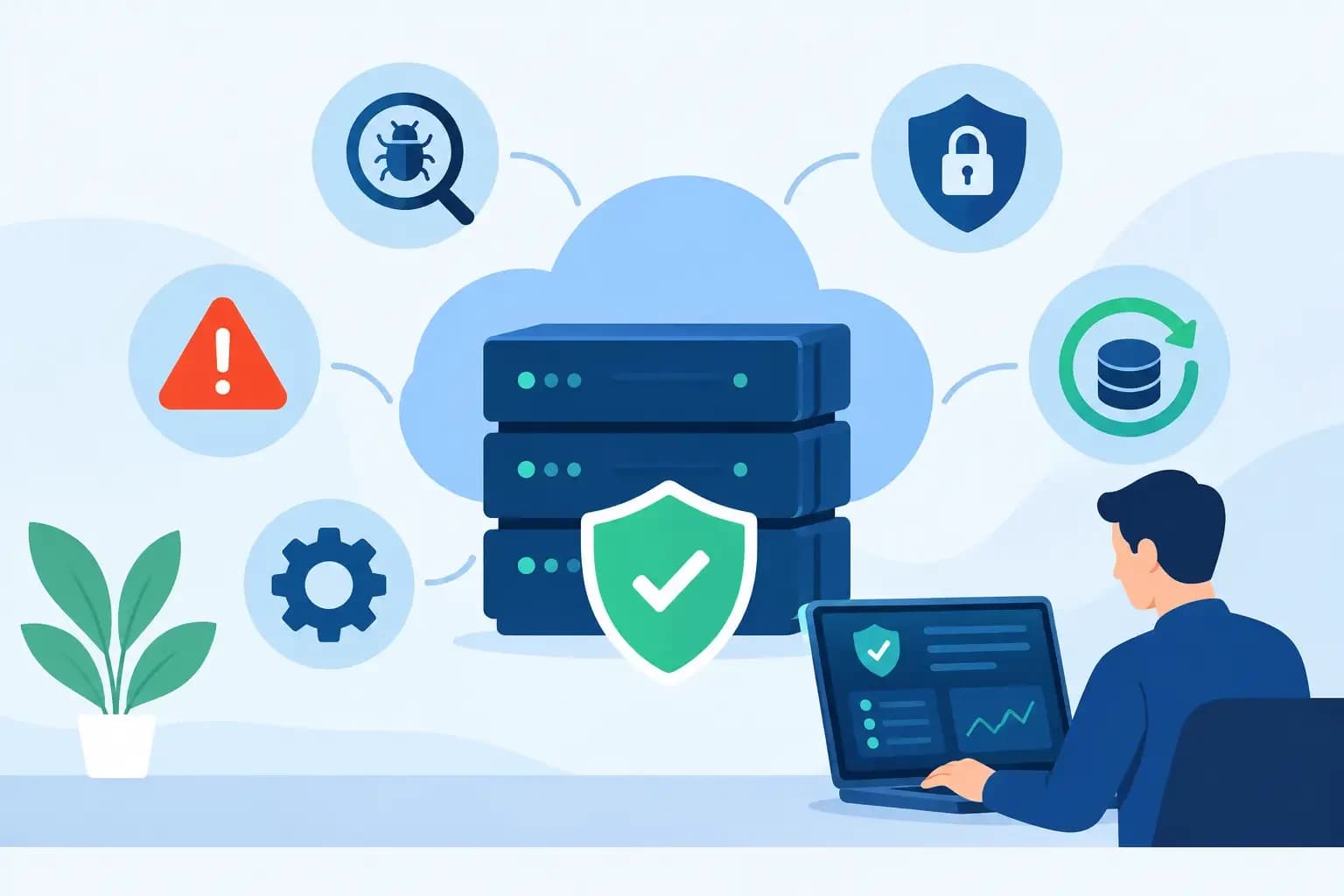
Hosting incident response tools help providers detect faults, control changes, preserve evidence, and recover customer services with less operational risk.
A customer reports that a site is down minutes after a DNS change. The web server is healthy, but mail delivery is failing too. At that point, hosting incident response tools are not a dashboard category or a collection of alerts. They are the controls that help an operator establish what changed, limit further impact, restore the right service state, and leave a record another engineer can trust.
For hosting providers and infrastructure teams, incidents rarely stay inside one system. A certificate failure may expose an account permission issue. A nameserver migration can remove MX, SPF, or DKIM records. A full-server restore can solve one outage while overwriting newer customer data. The useful toolset is therefore connected by workflow, not merely by integration badges.
What Hosting Incident Response Tools Must Support
An incident response stack for customer infrastructure should support four operational stages: detect, diagnose, act, and recover. Each stage needs context that survives handoffs between support, DNS, systems, and security teams.
Detection begins with service signals, but a failed health check is only the opening condition. Teams need to distinguish a single hosted account outage from a node-level event, a DNS propagation issue from an origin failure, and an expired certificate from a broader configuration fault. Alerts should identify the affected service, scope, time, and known dependency relationships. An alert that says only "HTTP check failed" creates work. An alert tied to the account, domain, server, recent changes, and backup availability creates a starting point.
Diagnosis requires a current view of the operating state alongside a record of prior actions. That means service status, account ownership, domain and zone configuration, certificate coverage, recent administrative changes, storage conditions, authentication events, and backup history should be available without forcing an operator to assemble evidence from unrelated consoles. Centralization is valuable here because it reduces the time spent asking which system holds the source of truth.
Action is where incident tooling either reduces risk or adds to it. A responder may need to restart a service, revoke access, repair a zone record, change a password, renew a certificate, isolate an affected account, or roll back a configuration. These actions should be scoped to the actual incident. The ability to make a change quickly matters, but the ability to show what will change, who is permitted to approve it, and how it can be reversed matters just as much.
Recovery completes the operational loop. A usable recovery function lets the team restore only what is required: a file set, database, mailbox, account, DNS zone, or server state. The correct restore target depends on the incident. Broad recovery is sometimes appropriate after infrastructure loss, but it is not the default answer to a deleted application file or corrupted customer database.
The Capabilities That Matter Under Pressure
Shared operational context
During an incident, separate tools create separate narratives. The monitoring platform shows a failure. The DNS console shows a record. The backup system shows a restore point. The ticketing system contains customer history. None of these views is wrong, but the responder must reconcile them before acting.
The better model is a shared operational workspace where customer accounts, servers, domains, DNS zones, backups, and administrative events can be examined in the same incident context. This does not require every service to become one monolithic system. It does require identity, ownership, change history, and recovery options to remain visible across system boundaries.
For example, when a support engineer investigates a failed website after a domain update, they should be able to confirm the active zone, inspect whether mail-critical records were preserved, identify the linked hosting account, and determine whether a scoped restore point exists. That sequence prevents a web outage response from becoming a mail outage.
Controlled changes and permissions
Incident response often demands elevated access, which is precisely when unrestricted access becomes most dangerous. Tools should support role-aware permissions that reflect operational responsibilities. A support engineer may be able to inspect account state and initiate an approved restore workflow, while DNS administrators control zone changes and senior operators approve server-wide actions.
Permissions alone are not enough. High-impact changes need visible scope and an execution record. Before a responder applies a DNS change, they should know which records will be added, modified, or removed. Before restoring a database, they should know the restore source, destination, and potential overwrite effect. Before disabling an account, they should know which customer services will be interrupted.
This level of control can add a small amount of friction. That trade-off is usually worthwhile for production environments. The exception is an actively expanding event where predefined emergency procedures authorize immediate containment. Even then, the action should be logged and reviewed after stabilization.
DNS-aware incident handling
DNS deserves specific treatment because a seemingly narrow change can have broad customer impact. Hosting incidents involving nameserver changes, expired zones, accidental record deletion, or conflicting records can affect web traffic, mail routing, domain verification, and third-party services at once.
Response tooling should preserve DNS context during change and recovery. For a nameserver migration, that means identifying and retaining records such as MX, SPF, DKIM, DMARC, autodiscover, verification TXT entries, and application-specific CNAME records. A zone restore should be a deliberate operation, not an assumption that the newest zone is necessarily the correct one.
Operators also need to separate authoritative configuration from propagation behavior. Correcting an authoritative record does not mean every resolver has updated immediately. Incident notes should capture the original fault, the intended DNS-safe change, when it was applied, and what external behavior is expected during propagation.
Recovery that is granular and testable
Backups do not automatically produce recoverability. A backup that exists but cannot be located, validated, or restored within the required timeframe is only partial incident readiness.
Useful recovery tools expose restore points in terms responders can act on. They should show what is available, when it was captured, what asset it contains, and whether a granular restore is possible. A team handling an accidental deletion should not need to restore an entire account if it can recover the required files. A database corruption event may call for a point-in-time database restore while leaving current uploads and mail untouched.
Recovery actions should also create a clear record. Capture the selected restore point, target, operator, approval where required, and outcome. If a restore introduces an unexpected result, the team needs enough information to assess whether another recovery path is available.
Testing is the part teams often defer. Periodic restore exercises reveal whether retention policies, storage access, encryption handling, and runbooks work under real constraints. Test the recoveries that match likely events: a single customer database, a deleted DNS zone, an account-level failure, and a server replacement scenario.
Audit trails that help diagnosis
Auditability is not only a governance requirement. It is a practical diagnostic tool. When an incident starts shortly after a credential update, account suspension, zone edit, API call, or scheduled automation run, the timeline of changes can identify the likely cause faster than repeated trial-and-error remediation.
A meaningful audit record includes the actor, time, action, affected object, source or execution path, and result. For automated tasks, record the automation identity and input context. For AI-assisted operations, the system should explain the proposed action, respect the operator's permissions, preserve the execution context, and record the result just as it would for a human-initiated change.
Automation is most useful when it is bounded. Automatically collecting account status, recent DNS edits, certificate state, and backup availability can shorten diagnosis. Automatically deleting records or restoring broad data sets without review can turn a contained fault into a larger event.
Designing the Workflow Around Real Incidents
The right tool selection depends on team size, service design, and customer commitments. A small provider may prioritize centralized visibility and repeatable runbooks. A larger operator may require API-based workflows, delegated approvals, service isolation, and stronger separation between support and platform administration. Both need a clear route from detection to recoverable action.
Start with recurring incidents rather than a feature checklist. Map the response to an expired SSL certificate, a compromised mailbox, an accidental DNS deletion, a customer database corruption event, and a storage-pressure alert. For each scenario, identify the signal, the evidence needed to diagnose it, the smallest safe action, the approval boundary, the rollback option, and the record that should remain afterward.
This exercise often exposes gaps that monitoring alone cannot solve. A team may detect failures quickly but lack account-level ownership context. It may have backups but no practical path to restore a single database. It may have DNS access but no safeguard against removing mail records during a zone update.
Synconix is built around this connected operating model, bringing hosting administration, DNS management, backup recovery, and AI-assisted operations into one controlled workspace. The value is not that every incident has a one-click fix. It is that responders can make scoped changes with visible context, preserve execution records, and retain recovery paths when a fix needs to be reconsidered.
A good incident response environment gives experienced operators room to act quickly without asking them to rely on memory, scattered tabs, or irreversible changes. When the next customer report arrives, the practical question is not whether a tool can generate an alert. It is whether the team can diagnose the exact scope, make the smallest safe correction, and recover confidently if the first action is wrong.