Incremental Versus Full Backups for Hosting
Compare incremental versus full backups for hosting infrastructure. Learn how backup chains, restore speed, storage, and recovery targets shape the policy.
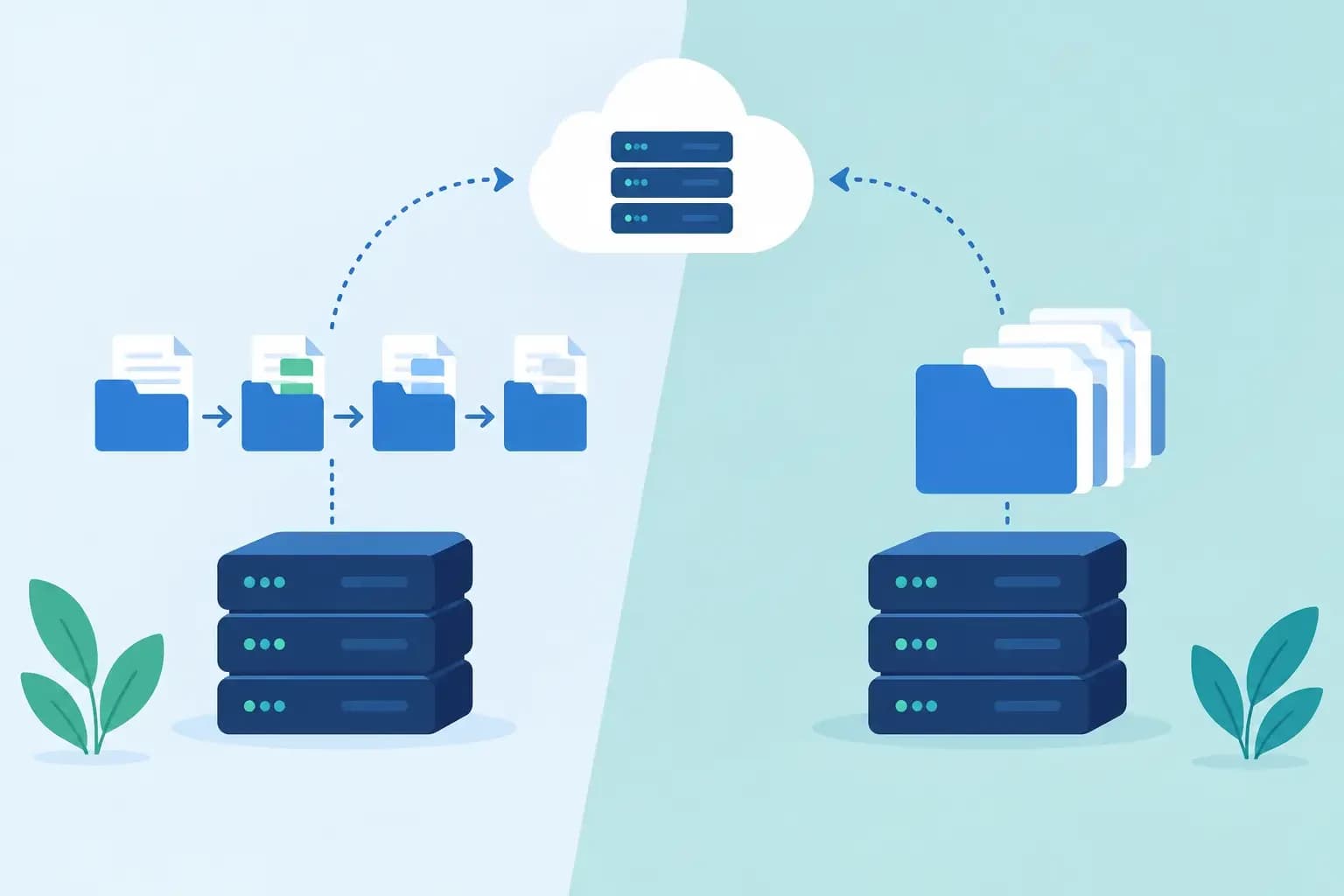
Compare incremental versus full backups for hosting infrastructure. Learn how backup chains, restore speed, storage, and recovery targets shape the policy.
A customer site is compromised at 2:15 a.m. The support engineer does not need a lecture on backup efficiency. They need to know which restore point contains clean data, how long recovery will take, and whether restoring it will overwrite a database change made earlier that evening. That is the operational question behind incremental versus full backups.
For hosting providers and infrastructure teams, neither method is universally better. Full backups simplify recovery but consume substantial storage and backup windows. Incremental backups reduce daily storage and transfer load, but introduce dependencies that must be intact when a restore is required. The right design starts with recovery requirements, then accounts for the actual behavior of the systems being protected.
What a full backup captures
A full backup is a complete copy of the selected data set at a specific point in time. Depending on scope, that may include a server, virtual machine, hosting account, database, mail store, filesystem, or DNS configuration. It is self-contained: restoring from that point generally requires only that backup set and the software or infrastructure needed to read it.
That independence is its primary operational advantage. If a hosting account must be recovered after an accidental deletion, the restore process can reference one known backup rather than assemble changes from several backup jobs. Full backups also make validation easier. Teams can test whether a single restore point contains the files, database dump, permissions, and configuration state they expect.
The cost is predictable but meaningful. A nightly full backup of every customer account duplicates data that has not changed. On busy shared hosting fleets, this increases repository growth, network traffic, source-server I/O, and the time available to finish jobs before the next backup cycle begins. Full backups can also strain a production database or storage layer if snapshots are not coordinated correctly.
A full backup is therefore not automatically a fast backup. It is often the simplest restore input, but creating it may take longer than the recovery objective allows on large datasets.
How incremental backups change the equation
An incremental backup records data that changed since the previous backup operation. The first job is commonly a full baseline. Each later incremental captures only new, modified, or deleted blocks, files, records, or objects, depending on the backup engine.
For a provider storing thousands of customer accounts, the storage savings can be substantial. A mostly static website should not require a fresh copy of every image, application file, and archive each night. Incremental processing also reduces the amount of data sent to an offsite repository, which matters when protecting geographically distributed servers or operating within constrained backup windows.
The trade-off appears during recovery. To restore a point from Thursday, a traditional incremental design may require the original full backup plus every successful incremental in the chain through Thursday. If one required backup set is unavailable, corrupted, expired, or encrypted without a recoverable key, that restore point may fail.
This does not make incrementals inherently risky. It means their reliability depends on chain management. Backup success messages are not enough. Teams need verification that backup objects are readable, retention rules preserve required chain members, encryption keys are managed, and restore tests can reconstruct representative workloads.
Differential backups sit between the two
A differential backup captures changes since the last full backup, rather than changes since the last backup of any type. After a Sunday full backup, Wednesday's differential includes all changes from Sunday through Wednesday. Restoring Wednesday typically requires the Sunday full plus the Wednesday differential.
Differentials use more storage than pure incrementals as the week progresses, but reduce chain length at restore time. They can be a reasonable choice when recovery simplicity matters more than minimizing daily repository growth. The key is not the label. It is understanding exactly which backup sets a given restore point depends on.
Incremental versus full backups: evaluate the restore path
The practical comparison is not simply storage versus speed. It is the ability to meet a defined recovery objective under production conditions.
Start with the recovery point objective, or RPO. This defines how much data loss is acceptable. A nightly full backup may be adequate for static customer websites, but it is not adequate for a database receiving transactions throughout the day. A managed ecommerce customer may need frequent database incrementals, transaction-log backups, or application-aware snapshots to keep data loss within an acceptable window.
Then define the recovery time objective, or RTO. This is the period available to return service to an acceptable state. A complete server rebuild from a full image might be appropriate for a lower-priority workload with a four-hour RTO. A shared mail platform with a one-hour RTO may require scoped mailbox recovery, indexed backup data, and a restore workflow that does not require rebuilding an entire server.
Finally, consider recovery scope. Most incidents do not require a full-server rollback. A support case may require one deleted directory, a database before a failed plugin update, a single customer account, or a DNS zone from before an incorrect change. The best backup architecture supports scoped restore points as well as disaster recovery copies.
Where each approach fits
Full backups are well suited to baseline protection, periodic archival points, and workloads where a straightforward restore matters more than repository efficiency. They are also valuable before high-impact changes, such as server migrations, control panel upgrades, major application releases, or storage reconfiguration. A known full restore point gives operators a recoverable path if the change cannot be safely reversed in place.
Incremental backups are effective for frequent protection of large, changing environments. They work particularly well when the backup platform uses block-level tracking, immutable repository controls where appropriate, automated integrity checks, and cataloged recovery points. In these environments, daily or hourly incrementals can provide tighter RPOs without treating every job as a complete data copy.
Many production policies combine both. A common pattern uses scheduled full backups as anchors, frequent incrementals between them, and longer-retention copies stored separately from the production environment. The exact cadence should follow data-change rates and restoration commitments, not an inherited schedule that no one has reviewed.
Synthetic full backups can further change the calculation. Rather than reading every protected block from the source server again, a backup system can construct a new full backup inside the repository from an existing full and subsequent incrementals. This can reduce source impact, though it places more importance on repository health and its ability to perform the merge reliably.
Design for failure, not for job completion
A backup policy is only as credible as its recovery process. Teams should treat restore testing as a normal operational control, not an annual disaster exercise. Test the failure modes that support and operations teams actually see: deleted files, broken application deployments, database corruption, lost mail, ransomware indicators, and a failed server.
Tests should confirm more than whether data can be copied back. Validate ownership and permissions, database consistency, application startup, mailbox accessibility, DNS records, and the time required to complete the task. A restored web root is not useful if the database is from the wrong point in time. A recovered DNS zone can still cause mail disruption if MX, SPF, and DKIM records are missing or replaced incorrectly.
Retention requires the same discipline. Short retention can leave a team without a clean recovery point when a compromise is discovered weeks later. Long retention can create excessive cost and make it harder to identify the correct restore version. Assign retention by service tier, customer agreement, regulatory requirement where applicable, and the realistic time to detect faults.
Access controls matter as much as backup frequency. The people who can delete backups, alter retention, or initiate broad restores should be clearly defined. Execution records should show who performed a restore, what source point was selected, what scope was affected, and whether validation was completed. These controls make recovery safer during high-pressure incidents and easier to review afterward.
Build policies around recoverable operations
For infrastructure teams, the best answer is usually a layered policy: full backups create dependable anchors, incrementals reduce the cost of frequent protection, and scoped recovery avoids turning a single-account incident into a server-wide event. Synconix applies this operational model by keeping backup recovery connected to the hosting, DNS, and account context operators need to make controlled changes.
Before choosing a schedule, take one representative customer incident and walk it backward. Identify the last acceptable restore point, the exact data that must return, the dependencies required to restore it, and the time the team has to verify service. A backup design that can answer those questions under pressure is the one worth operating.