Granular Database Restore Software That Fits
Granular database restore software helps teams recover the right data at the right scope with records, permissions, and safer rollback paths in production.
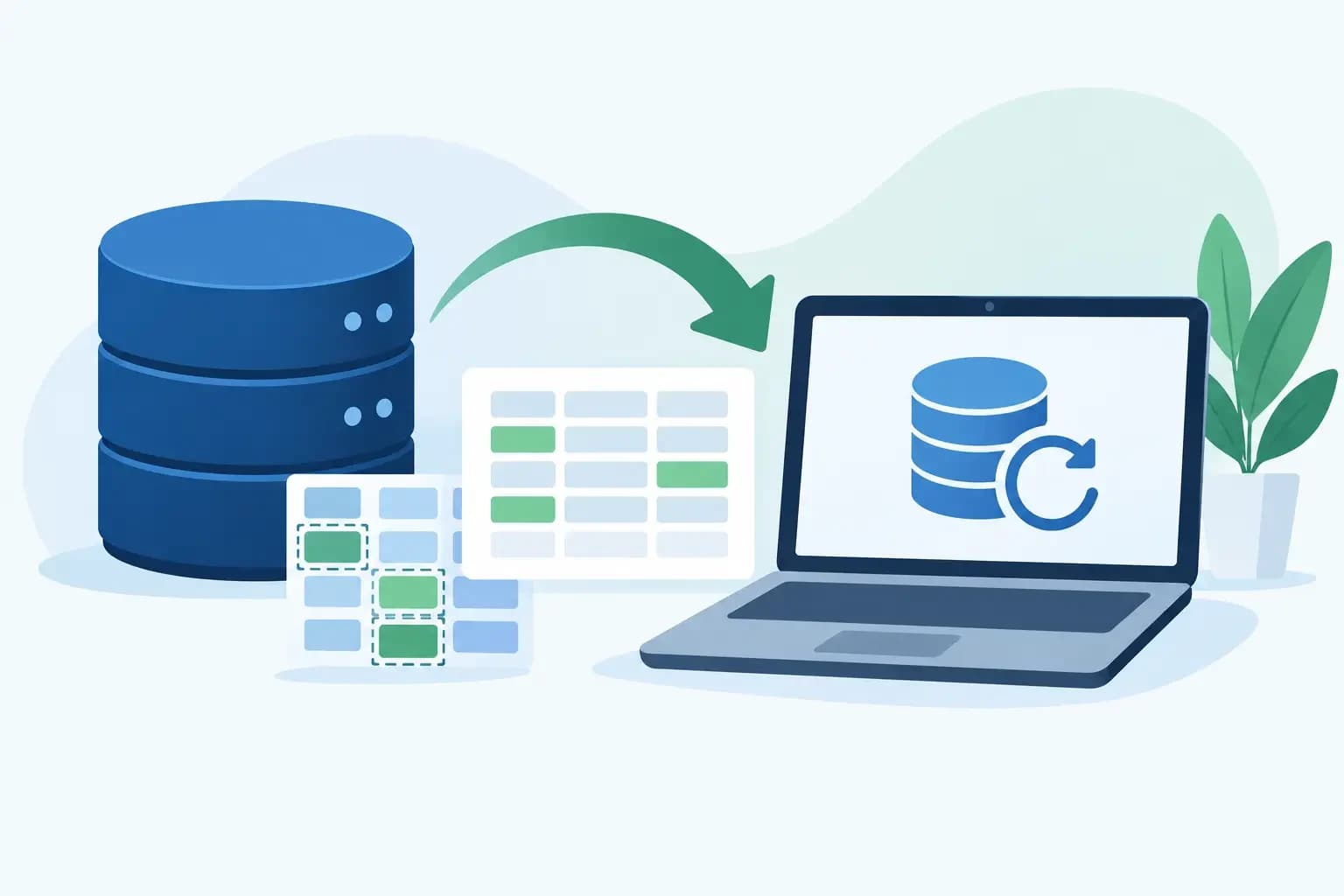
Granular database restore software helps teams recover the right data at the right scope with records, permissions, and safer rollback paths in production.
A customer reports that an order history table was deleted at 2:14 PM. The database server is healthy. Other tenants are active, and a full-instance restore would overwrite valid transactions created after the incident. This is the situation granular database restore software is meant to handle: recover the affected data without turning a contained support case into a broader production event.
For hosting providers and infrastructure teams, the value is not simply faster recovery. It is the ability to make a scoped, explainable change with a clear source point, defined target, approval path, and execution record. That distinction matters when one database server supports many customer accounts, when an application has related services, or when a restore request arrives during active business hours.
What granular database restore software should restore
Granular recovery means more than displaying a list of backup archives and allowing an operator to download one. The software should let a team identify the smallest practical unit of data that can be recovered safely. Depending on the database engine, backup method, and application design, that unit may be a full database, schema, table, selected records, or an object such as a stored procedure.
The right scope depends on the incident. If a customer accidentally drops a database, restoring the full database from a known restore point may be appropriate. If one table was truncated, a table-level recovery can reduce collateral change. If a few records were altered, the safer workflow may be to restore data into an isolated location, compare it with the live system, and merge only the verified rows.
This is where product claims often need scrutiny. A backup platform may support file-level granularity while offering only full-database recovery for a particular engine. Another may restore an individual table, but only by rebuilding it from a complete logical dump. That can still be useful, but operators need to understand the recovery time, temporary storage requirement, and effect on database consistency before an incident occurs.
Granularity is not the same as safety
A smaller restore target is not automatically safer. Tables frequently depend on foreign keys, application-level references, sequences, triggers, and related tables. Replacing a single table can create inconsistencies if related records changed after the backup point. Restoring one mailbox database object may also be insufficient if the incident involved credentials, application configuration, or queued jobs outside the database.
Good restore software exposes the available scope without pretending every scope is valid for every workload. It should help an operator see the backup timestamp, source server, database version, retention status, and intended destination before execution. For high-risk restores, the default should favor staging or a recoverable copy rather than an immediate overwrite of production data.
The recovery workflow that reduces risk
The strongest recovery process follows a controlled sequence: detect, diagnose, act, and recover. Granular restore capability belongs in the act and recover stages, but its usefulness depends on the evidence gathered beforehand.
First, identify what changed and when. Ticket notes, application logs, database audit logs, binlogs, transaction logs, and monitoring events can narrow the recovery window. A backup taken at midnight may be available, but it is not necessarily the best restore point if the deletion occurred in the afternoon and transaction logs can support a more precise recovery.
Next, establish the target. Is the goal to return a deleted table to service, extract historical rows, repair a corrupted database, or provide a customer with a copy for validation? These are different operations. Extracting data into a temporary database may be enough for a support case and avoids modifying the live workload. A production replacement should be reserved for cases where the integrity and operational impact have been reviewed.
Then validate the backup artifact. The selected restore point must be readable, complete, and compatible with the destination. A platform should record whether the backup completed successfully, whether retention rules preserved it, and whether encryption keys or credentials required for recovery remain available. A backup that exists but cannot be restored under pressure is not a recovery path.
Finally, perform the scoped action with verification. The operator should confirm row counts, schema versions, application behavior, and error logs after recovery. If data is restored into staging, compare the recovered content against the live database before merging. If the action changes production, preserve an execution record showing who initiated it, which restore point was used, what objects were affected, and whether post-restore checks passed.
Evaluate restore scope alongside operational controls
A useful evaluation starts with database support, but it should not end there. Teams should examine how the tool behaves inside their actual operating model.
Restore destinations and overwrite protection
Can the software restore to an alternate server, a temporary database name, or an isolated environment? This is often more valuable than direct table replacement. An alternate destination lets teams inspect recovered data, export selected rows, and preserve the live database until a deliberate merge decision is made.
Also examine overwrite behavior. A clear warning is helpful, but it is not a control by itself. Look for workflows that require explicit target selection, distinguish source from destination, and make destructive replacement difficult to trigger accidentally. Scoped restore points should be visible before execution, not buried in job logs afterward.
Permissions, approvals, and tenant boundaries
Database recovery is a high-impact action. A support engineer may need to view backup availability and initiate a request, while a senior operator approves a production overwrite. In a multi-tenant hosting environment, the system also needs to keep customer account boundaries clear so an operator does not restore the wrong database with a similar name.
Role-aware access should reflect these realities. The objective is not to slow down incident response with unnecessary gates. It is to ensure that the person making a consequential change has the right context and that the action can be reviewed later. API access should follow the same discipline through scoped credentials, key rotation, and execution logging.
Recovery records that stand up to review
When a customer asks what happened, “we restored a backup” is not enough. The team should be able to show the source backup, restore timestamp, destination, affected objects, operator, and outcome. This record helps resolve support cases, identify recurring causes, and distinguish an application defect from a recovery failure.
Auditability also improves handoffs. The engineer who starts a restore may not be the person who validates the application. Clear records prevent the next shift from guessing whether a database was overwritten, copied to staging, or left unchanged after a failed job.
Database engine and backup method change the answer
There is no universal definition of granular restore across MySQL, MariaDB, PostgreSQL, Microsoft SQL Server, and managed database services. Native capabilities, replication architecture, transaction logging, and backup formats all affect what can be recovered and how long it takes.
A physical backup may restore an entire instance efficiently but offer limited object-level selection. A logical dump can make table-level recovery straightforward, although it may be slower for large databases. Point-in-time recovery can minimize data loss, but it requires complete transaction log coverage and careful handling of the target time. In some cases, restoring an isolated copy and extracting records is the most defensible option even when the backup product advertises table-level restore.
Teams should test the actual combinations they run: engine version, storage size, encryption, customer account model, and destination environment. A successful test should measure more than job completion. It should confirm that the recovered database starts, permissions are correct, application connections work, and the operational team can explain the result.
When granular restore is the wrong first move
Granular recovery is not always the fastest or safest response. If ransomware or unauthorized access affected multiple systems, restoring a single database object can reintroduce compromised data or hide the full scope of the incident. The immediate priority may be containment, credential rotation, forensic preservation, and a broader recovery plan.
Likewise, when corruption is structural or the application schema changed substantially after the backup, a narrow restore may fail validation. A controlled full-database recovery into an isolated environment can provide better evidence and a safer path to repair. The operational question is not “what is the smallest thing we can restore?” It is “what action returns the service to a trustworthy state with the least avoidable impact?”
For teams managing servers, customer accounts, DNS, and backups together, database recovery should not be treated as a disconnected button in a backup console. Synconix approaches recovery as part of a connected operational system: scoped actions, visible context, permissions, and records that support the next decision.
The best time to evaluate granular database restore software is before the first urgent ticket. Run a recovery exercise against a representative customer workload, require an alternate-destination restore, and have a second operator validate the result. That test will reveal whether the tool supports controlled recovery or merely promises it.