Zero Trust Server Administration That Works
Zero trust server administration applies identity, scope, verification, and recovery controls to every production action across hosting operations daily.
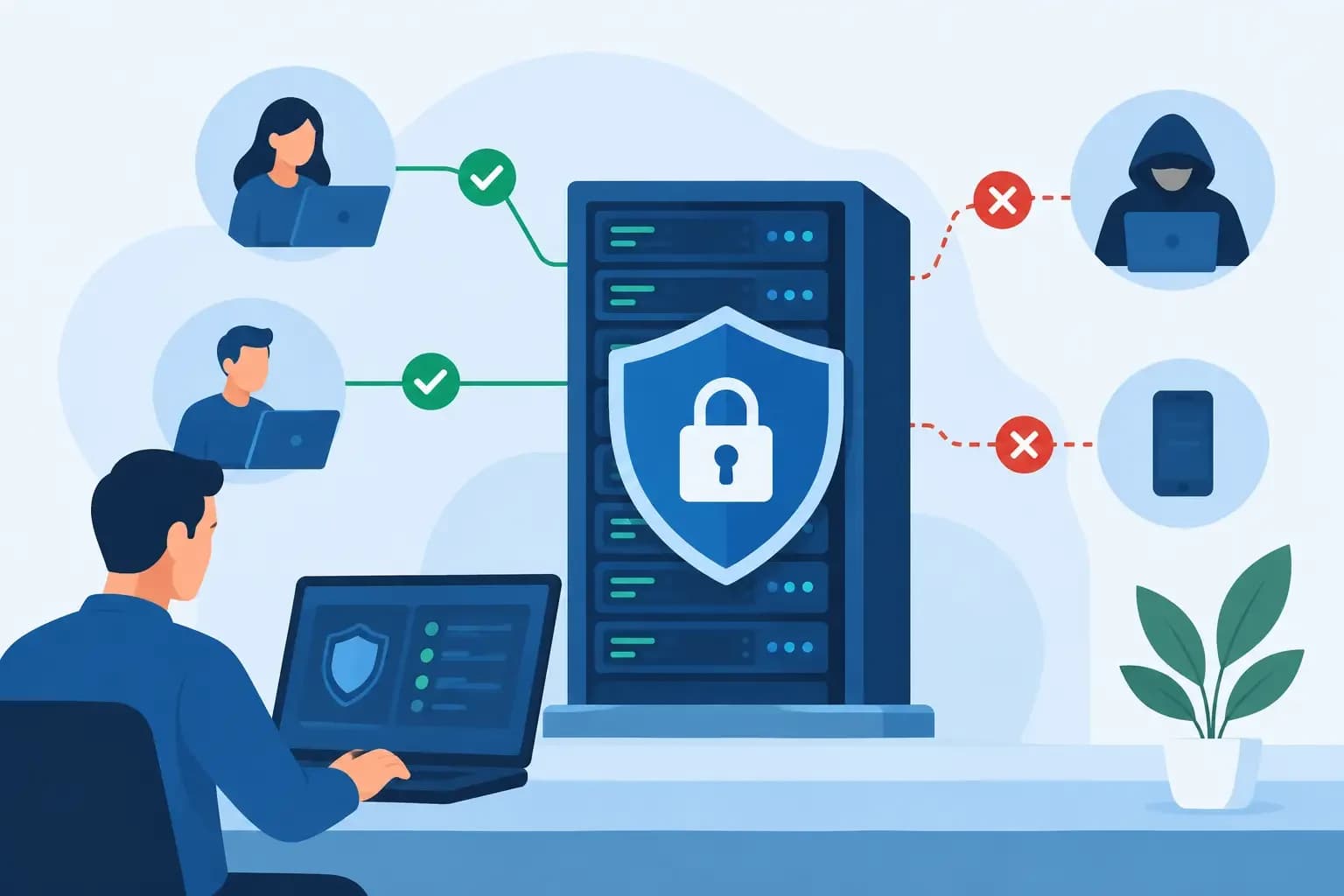
Zero trust server administration applies identity, scope, verification, and recovery controls to every production action across hosting operations daily.
A production server rarely fails because an administrator lacked access. More often, it fails because access was too broad, a routine change lacked context, or a valid credential was used in the wrong place at the wrong time. Zero trust server administration addresses that operational reality by treating every administrative request as something to verify, constrain, record, and, where possible, reverse.
For hosting providers and infrastructure teams, this is not a matter of putting more prompts in front of engineers. It is a way to make high-impact work safer across customer accounts, DNS zones, mail services, databases, backups, and server-level configuration. The objective is controlled administration that still lets support and operations teams resolve incidents quickly.
What zero trust means in server operations
Zero trust is often reduced to a security slogan: never trust, always verify. That is incomplete for server administration. An operator may be legitimate, connected through an approved device, and still have no reason to modify every customer account, restart every service, or retrieve every backup.
A useful operating model asks four questions before an action is executed: who is requesting it, what exact resource is involved, what action is required, and what recovery path exists if the action produces an unintended result.
This changes administration from a persistent privilege model to a contextual decision model. A support engineer investigating a compromised mailbox may need access to one mailbox, its forwarding rules, and recent authentication events. They do not necessarily need shell-level authority across the mail cluster. A DNS administrator changing nameservers needs visibility into MX, SPF, DKIM, and verification records before the change, not unrestricted authority to alter unrelated zones.
The principle is not that no one should have elevated access. Production environments require privileged work. The principle is that elevated access should be role-aware, time-bounded where practical, limited to the task, and accompanied by an execution record.
The controls that make zero trust server administration practical
A zero trust approach becomes useful when it is built into the workflow rather than bolted onto it. Identity is only the starting point. The administration plane also needs scoped permissions, trustworthy operational context, approval paths for sensitive actions, and recoverable changes.
Verify the operator and the request
Strong authentication matters, but it does not establish whether a requested action is appropriate. Teams should connect an authenticated identity to a defined role and a current operational purpose. That purpose may be a support case, maintenance window, incident ticket, or approved change request.
For example, an engineer responding to a storage alert can be allowed to inspect disk consumption, identify oversized backup sets, and initiate a retention-policy review. Deleting backup data should remain separately controlled because it changes the recovery position of customer environments.
API access deserves the same discipline. API keys should be associated with a service identity, assigned only the scopes required by its automation, rotated on a defined schedule, and revoked when the integration is retired. A key used to provision hosting accounts should not also be able to purge DNS zones or restore server data unless that combination is explicitly justified.
Scope access to the smallest useful boundary
The practical unit of access is not always the server. In a provider environment, it may be an organization, customer account, subscription, domain, zone, mailbox, database, or backup set. Good permission design reflects those boundaries.
A support role can diagnose a site outage by reviewing account status, service signals, SSL coverage, and recent changes. A senior operations role may be allowed to restart a service or adjust a resource limit. A recovery role may restore a selected database or directory from a known restore point. Each role can complete meaningful work without inheriting broad, permanent authority.
This is also where service isolation matters. Separate management functions reduce the blast radius of an error or compromised credential. A DNS workflow should preserve the context needed to make DNS-safe changes, while backup operations should expose the restore catalog and integrity status without automatically granting live server control.
There is a trade-off. Extremely narrow scopes can slow incident response if operators must request several permissions before they can act. The answer is not to return to shared administrator accounts. Build sensible emergency procedures: limited-duration elevation, dual approval for destructive tasks, and clear post-incident review. Fast access can still be controlled access.
Require context before execution
Administrative tools should not treat a command as self-explanatory. Before applying a change, the operator needs the relevant state: affected customer, dependencies, current configuration, active services, and recent actions.
Consider a request to update nameservers for a hosted domain. A nameserver change can appear simple while quietly disrupting email if the destination zone lacks MX, SPF, DKIM, DMARC, autodiscover, or verification records. A zero trust workflow presents those dependencies before execution, makes the operator confirm the intended zone state, and records what changed.
The same pattern applies to SSL renewals, database restores, and account suspensions. A certificate action should identify the covered names, validation method, and expiration risk. A database restore should show the source timestamp, target database, overwrite behavior, and expected impact on application data. An account suspension should distinguish a billing hold from a security containment action, because the downstream steps are different.
Context reduces preventable mistakes. It also makes operational decisions defensible when a customer or internal reviewer asks why a change was made.
Treat recovery as part of authorization
Authorization without recovery planning is incomplete. The more consequential the action, the more the system should verify that a usable restore point, rollback method, or compensating action exists.
Not every task can be reversed. Rotating credentials may invalidate active integrations. Sending a DNS change to the public can take time to propagate. Deleting data may be irreversible after retention windows expire. But many common actions can be made safer through snapshots, versioned configuration, scoped restore points, and explicit confirmation of overwrite conditions.
For a compromised website, recovery may mean restoring only the affected files, preserving the current database while reviewing it separately. For a database deployment error, it may mean restoring one database to a new target for validation before replacing production data. For a failed DNS migration, it may mean preserving the prior zone configuration long enough to rebuild necessary records without guessing.
Recovery readiness should be visible to the operator before the change, not discovered after an incident. Synconix applies this principle by connecting operational actions with backup and recovery context, so teams can make bounded changes while retaining a clear path to restore the required files, databases, accounts, zones, or server data.
A controlled workflow for high-impact changes
The most reliable zero trust workflows follow a repeatable sequence: detect, diagnose, act, and recover. That sequence applies equally to automated and human-led work.
Detection begins with a signal: elevated disk use, a certificate nearing expiration, failed mail delivery, unusual login activity, or a customer report. Diagnosis then narrows the problem to a resource and likely cause. This stage should be read-heavy and non-destructive, allowing an operator to inspect service status, logs, account settings, DNS records, and backup availability.
Action occurs only after the system has established scope and presented the effect of the change. For routine, low-risk operations, policy may allow direct execution with an audit record. For destructive, cross-customer, or externally visible changes, a second approver or time-bound elevation may be appropriate.
Recovery closes the loop. The team verifies the intended outcome, watches for dependent-service failures, and knows the rollback procedure if validation fails. The execution record should capture the initiating identity, approved scope, resource identifiers, before-and-after state where available, timestamps, and result. A log that merely says “configuration updated” is not enough to support troubleshooting or accountability.
Where automation fits, and where it should stop
Automation is not opposed to zero trust. Unbounded automation is. A well-designed automation can resolve repetitive conditions faster than a human while operating within narrow limits.
For example, an automation may provision a standard hosting account, create an approved DNS template, request an SSL certificate, or flag a backup job that missed its recovery objective. Its permissions should be limited to those actions and resources. If it encounters an exception, such as an existing conflicting DNS record or an account with unusual mail routing, it should stop and present the context for operator review.
AI-assisted operations follow the same rule. An assistant can summarize service signals, identify likely causes, prepare a proposed remediation, and execute a permitted task. It should explain the action, respect the operator's permissions, preserve the evidence behind the recommendation, and produce a record that supports rollback. It should not silently expand its own scope because the first attempt failed.
This approach may appear slower than granting a broadly privileged tool permission to fix everything. In practice, it reduces the time lost to secondary incidents, unclear ownership, and recovery work after an avoidable change.
Start with the actions that create the most risk
Teams do not need to redesign every administrative role at once. Start by reviewing the actions with the largest blast radius: server access, account deletion, DNS delegation, mail routing changes, credential resets, database overwrite restores, backup deletion, and API key management.
For each action, document the actor, resource boundary, required context, approval requirement, audit evidence, and recovery option. Then identify where current tooling forces operators to use shared credentials, broad control panels, or undocumented manual steps. Those are usually the places where a zero trust model will produce the fastest operational improvement.
The goal is not to make administrators distrust one another. It is to build systems that do not depend on perfect memory, permanent access, or heroic judgment under pressure. When every meaningful change is scoped, visible, and recoverable, teams can move quickly without turning production operations into a leap of faith.