How to Delegate Server Actions Securely at Scale
Learn how to delegate server actions securely with scoped permissions, approval paths, audit records, and recovery controls for core production ops teams.
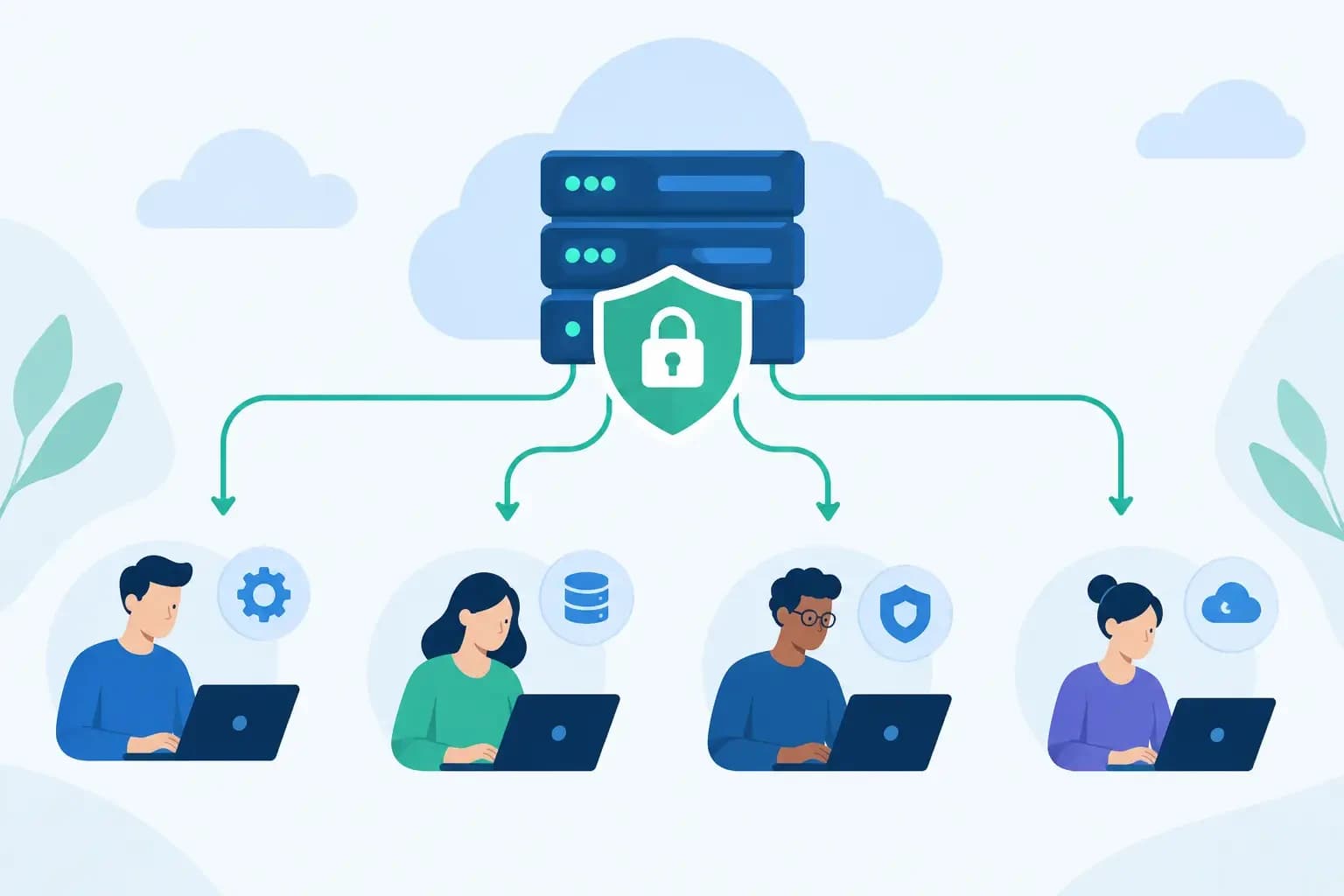
Learn how to delegate server actions securely with scoped permissions, approval paths, audit records, and recovery controls for core production ops teams.
A support engineer needs to restore a customer database before a maintenance window closes. A DNS administrator needs to update a zone without disturbing MX, SPF, or DKIM records. A junior operator needs to restart a service, but not alter every account on the server. These are ordinary production tasks, and they expose a difficult operational question: how do you delegate server actions securely without creating broad, permanent administrative access?
The answer is not to block delegation until a senior administrator is available. It is to make each delegated action bounded, visible, and recoverable. Production teams need enough access to resolve customer-impacting issues quickly, while preserving clear ownership of high-impact changes.
Why server delegation fails in production
Delegation often starts with convenience. A shared root credential resolves an urgent incident. A broad API token makes an integration work. A support role receives permission to edit DNS because one case required it. Over time, these exceptions become the operating model.
That model fails because it separates authority from context. The person making a change may not see the customer account, service dependency, recent backup status, maintenance activity, or prior actions that explain the risk. Meanwhile, the team reviewing an incident later cannot easily determine what changed, who approved it, or whether a safe recovery path existed.
The practical risk is rarely a dramatic compromise alone. It is a valid operator making a valid change in the wrong scope. Restarting the wrong service, restoring an entire account instead of a single database, replacing a DNS zone instead of preserving mail records, or disabling a security control to resolve one ticket can all create unnecessary customer impact.
Secure delegation therefore depends on controlling four things together: who can act, what they can change, when they can change it, and how the team can reverse or investigate the result.
Delegate server actions securely with bounded authority
A delegated permission should describe an operational outcome, not grant access to an entire system. “Restore files for this customer account” is a useful boundary. “Access the backup platform” is not. “Renew SSL for domains assigned to this reseller” is specific. “Manage certificates across all servers” may be appropriate only for a narrowly defined platform role.
This distinction matters because infrastructure objects are connected. A hosting account affects web files, databases, mailboxes, DNS records, certificates, quotas, and backup coverage. A change that appears local can affect service delivery elsewhere. Permissions should follow those relationships instead of relying on a simple administrator-versus-user split.
For routine operations, scope access by the smallest practical combination of resource, action, and environment. An operator may be allowed to restart a web service on a designated production server, but not modify service startup configuration. A support engineer may restore a selected database to a new target, but not overwrite the active database without approval. A DNS role may edit A and CNAME records for an assigned zone, but require additional authority for nameserver delegation or MX changes.
Time is another useful boundary. Temporary elevation can support an incident or planned maintenance task without leaving standing privileges behind. The elevation should expire automatically, identify its purpose, and retain the same execution record as any other production action. Manual removal is better than no removal, but it is easy to miss during a busy shift.
Build permissions around the actual workflow
Role-based access control is necessary, but generic roles are rarely enough for hosting and infrastructure operations. “Support,” “DevOps,” and “administrator” describe job functions, not the actions that should be available across customer environments.
Start by mapping frequent operational work. For each workflow, identify the operator, the resources involved, the acceptable action, and the recovery method. The result should look more like a controlled runbook than an access spreadsheet.
Consider a mailbox compromise. A support engineer may need to reset credentials, revoke active sessions, inspect forwarding rules, and review recent login signals. They may not need authority to change outbound mail routing, remove a domain, or alter server-wide spam filtering. The workflow is effective when the available controls match the incident, rather than turning every mailbox case into a request for unrestricted access.
The same approach applies to recovery. File-level restoration, database restoration, account restoration, DNS-zone recovery, and full-server recovery carry very different blast radii. Treating them as one permission encourages either overreach or delay. A well-designed workflow presents the smallest effective restore action first, shows the restore point and target clearly, and makes destructive overwrite decisions explicit.
Use approvals for irreversible or wide-scope changes
Approval should not be a ritual applied to every command. If routine, reversible work requires multiple people every time, teams will route around the process. Approval is most valuable where the scope is broad, the impact is hard to predict, or rollback is difficult.
Examples include changing authoritative nameservers, deleting an account, rotating credentials used by multiple services, restoring production databases over live data, changing firewall policy across a server group, or altering backup retention. In these cases, the reviewer needs meaningful context: affected resources, the intended result, the proposed difference, timing, and the available recovery point.
For urgent incidents, use an emergency path rather than abandoning controls. An authorized operator can execute the needed action with an incident reference, reason, and heightened audit requirement. The key is that emergency access remains scoped and reviewable after the fact. “Emergency” should explain why normal approval was bypassed, not become a permanent permission category.
Make context visible before execution
A secure action can still be operationally unsafe when it is performed without context. The execution interface should help the operator answer basic questions before they act: Which customer is affected? Is this production? What services depend on this resource? Has a backup completed recently? Is there an active incident, maintenance window, or related change?
For DNS work, that context includes the existing records that must survive the change. A nameserver update should surface MX, SPF, DKIM, autodiscover, and verification records that could be lost if a zone is recreated incorrectly. The goal is not to prevent the change. It is to prevent the operator from treating a mail-dependent zone as a simple web-routing task.
For server actions, context may include current service health, recent deployment activity, resource pressure, and account-level impact. Restarting a service during a saturation event may be appropriate. Restarting it while an active migration is running may make recovery harder. A controlled system gives the operator evidence to make that distinction.
AI-assisted operations require the same discipline. An assistant can help identify likely causes, propose a scoped action, and explain expected effects. It should not turn a natural-language request into an unbounded production command. The operator should see what will be changed, the resources in scope, the permissions used, and the available rollback or recovery path before execution.
Keep an execution record, not just an access log
Authentication logs answer who entered a system. They do not fully explain what happened in a customer environment. A useful operational record captures the action itself.
For each meaningful change, record the actor, role or temporary elevation used, affected server or customer resource, requested action, approval state where required, start and completion time, result, and relevant output. Capture the before-and-after state when practical, especially for configuration and DNS changes. Associate the record with a ticket, incident, maintenance event, or customer request when one exists.
This level of auditability improves more than post-incident review. It reduces handoff friction during active work. The next operator can see that a restore was started, which snapshot was selected, whether validation completed, and what remains to be checked. It also gives customers and internal stakeholders a defensible account of what changed without relying on recollection or chat history.
Audit records need retention and access controls of their own. Logs can reveal customer domains, account identifiers, infrastructure details, and operational habits. Make them available to teams who need them for investigation and accountability, but do not treat broad log access as harmless.
Design recovery into delegated work
Delegation is safer when operators can recover from a mistake without escalating every time. That does not mean every action needs a one-click undo. Some changes cannot be reversed cleanly, and pretending otherwise creates false confidence.
It does mean recovery should be planned before execution. A DNS change should preserve an export or known-good zone state. A database operation should identify a suitable restore point and make the target explicit. A configuration change should retain the prior version. A server maintenance task should account for service restart behavior and post-change validation.
Recovery controls should match the operation. Restoring only the files required to repair a hosted site is often safer than restoring an entire account. Recovering a single DNS zone is different from reverting a server-wide configuration. Smaller restore scopes reduce collateral impact, but a narrow recovery is not always sufficient. If the failure involves system-level corruption or a compromised account with unknown changes, a broader restoration may be justified.
This is why delegated workflows need judgment points. The platform can constrain the action and surface evidence, but the operator still decides whether the evidence supports a limited repair, a broader recovery, or escalation.
Test delegation before an incident tests it
Permission models that look correct on a diagram often fail in edge cases. Test them using realistic scenarios: an expired certificate for a reseller account, a mistaken DNS deletion affecting mail, a customer database restore request, a server service failure, and a suspected compromised mailbox. Verify not only that the intended role can complete the task, but also that it cannot affect adjacent customers, unrelated servers, or global configuration.
Review temporary elevations, approval delays, denied actions, and recovery outcomes regularly. A denied action may reveal a useful control, or it may show that a recurring workflow has been forced into an emergency path. Adjust scopes based on evidence rather than granting broader access to remove friction.
Synconix applies this operating model across hosting, DNS, backup recovery, and AI-assisted operations: controlled actions remain tied to resource scope, permissions, execution records, and recovery options. The objective is not less human involvement. It is better-informed human control at the point where customer infrastructure changes.
The next time a team asks for wider access to resolve an urgent task, turn the request into a precise question: what action, on which resource, for how long, with what record, and with what recovery path? That question is where secure delegation becomes practical operations.