Podman and Docker-compatible containers without handing over the server
See how SHM runs Docker-compatible images and Compose projects through rootless Podman, with private ports, resource limits and account isolation.
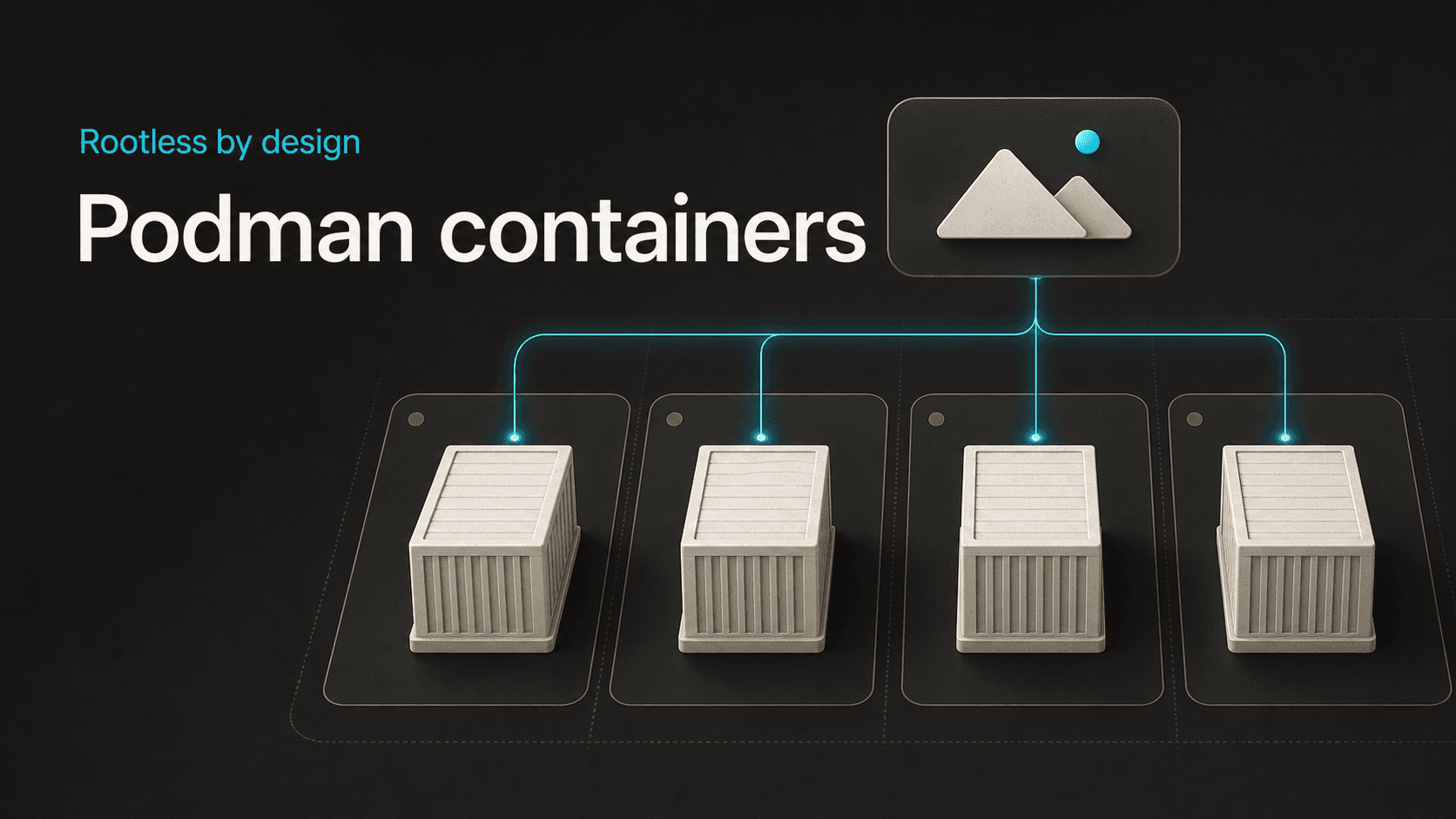
Synconix Hosting Manager gives each account a rootless Podman workspace for Docker-compatible images, Compose projects, private domain routing, storage, logs and controlled lifecycle actions.
The isolation model
Rootless is the starting point
Synconix Hosting Manager runs containers with Podman. It does not expose a shared privileged Docker daemon to hosting accounts. Podman provides the OCI container runtime, while familiar Docker workflows remain useful where they make sense.
Customers can use Docker-compatible images, Docker Hub references, Compose files and local Dockerfile builds. SHM also installs the Docker-compatible command package alongside Podman for environments where that convention is expected.
The distinction matters. Compatibility makes deployment easier without expanding the application's authority on the host.
One workspace per account
Every managed container runs as the hosting account's system user, not as root. Runtime data, image storage, registry credentials, Compose projects and persistent container data stay attached to that account.
SHM prepares private storage beneath the account home and keeps long-running workloads alive through managed user services. The lifecycle also works for accounts without a normal login shell, while interactive container access remains available only when shell access is allowed.
An image source does not change the account boundary or grant host-level authority.
Build and connect the workload
Images and registries remain familiar
The Images view can search local images, pull a new image, inspect exposed ports, browse available tags, start a container from an image and remove images that are no longer needed.
Registry access is managed from the same account area. Docker Hub, GitHub Container Registry, Quay and custom registries are supported, with login and logout controls for private images. Passwords are passed to the registry command through standard input rather than placed directly on the command line.
When a managed container references an image that is not present locally, SHM performs a bounded pull first and starts only after the image is available. A slow first download is treated as a download, not misreported as a broken application.
A private port by default
SHM allocates managed host ports from its private application range and binds them to 127.0.0.1. The container port is not exposed directly to the internet.
A selected main domain, addon domain or subdomain can then be routed through Web Manager to that private listener. The public website keeps its normal domain and web-server path, while the container remains behind the server's regular routing and TLS layer.
Managed allocation also avoids undocumented port choices and collisions between workloads.
Resources and persistence
Limits, volumes and persistence
When registering a standalone container, customers can choose the image, container port, environment variables, CPU limit, memory limit and autostart behavior. SHM records that configuration with the account so it remains available for later operations.
Managed containers receive account-owned persistent storage. The manager can also list volumes, inspect their configuration, calculate usage, remove individual volumes and prune unused ones.
Editing a managed container uses a controlled recreation flow so its runtime settings can change while the managed storage and account metadata remain connected. Start and restart actions can also repair older runtime metadata when the account's shell or cgroup environment has changed.
Compose and local builds
The Compose workspace keeps each project beneath the account home with its compose.yml and optional .env file. Customers can create a project from a template, associate a domain, enable autostart and run configuration checks before bringing it online.
From the same interface, SHM can pull images, build a local Dockerfile, start, stop, restart and inspect a project, follow its logs or remove the project when it is no longer required.
Local build contexts, Dockerfiles, environment files, configs, secrets and bind mounts must remain inside the account home. Remote build contexts are rejected so the deployment format cannot be used to read paths outside the account filesystem.
Operating after deployment
Shortcuts we deliberately avoid
Some container features are useful on a private development machine and inappropriate on a shared server. SHM blocks privileged containers, host namespace modes, device and GPU access, custom cgroup parents, Docker or Podman socket mounts and host paths outside the account boundary.
Compose ports must bind explicitly to 127.0.0.1 or localhost. Bare public port mappings are refused, and the selected domain remains the supported route into the application.
Compose files that request the host container socket are rejected before deployment.
Day-two operations matter
The dashboard shows running and stopped containers, images, volumes, storage use and live CPU, memory and process statistics where the runtime can isolate them correctly. Legacy shared-cgroup values are hidden rather than presented as precise per-container numbers.
Container actions cover start, stop, restart, force restart, edit and removal. The log viewer supports tail length, automatic refresh, search, wrapping, copying and autoscroll. With account shell access, an interactive terminal can open bash or sh inside the selected container.
SHM is not trying to turn a hosting account into a cluster administrator. It provides the container operations application owners use every day, applies them to the selected account and keeps the high-risk host controls with the server administrator.
The result combines Docker-compatible deployment habits with a rootless Podman runtime and account-scoped management for day-to-day container operations.