How to Isolate Compromised Hosting Accounts
Learn how to isolate compromised hosting accounts with scoped containment, evidence preservation, credential resets, and safe, staged recovery workflows.
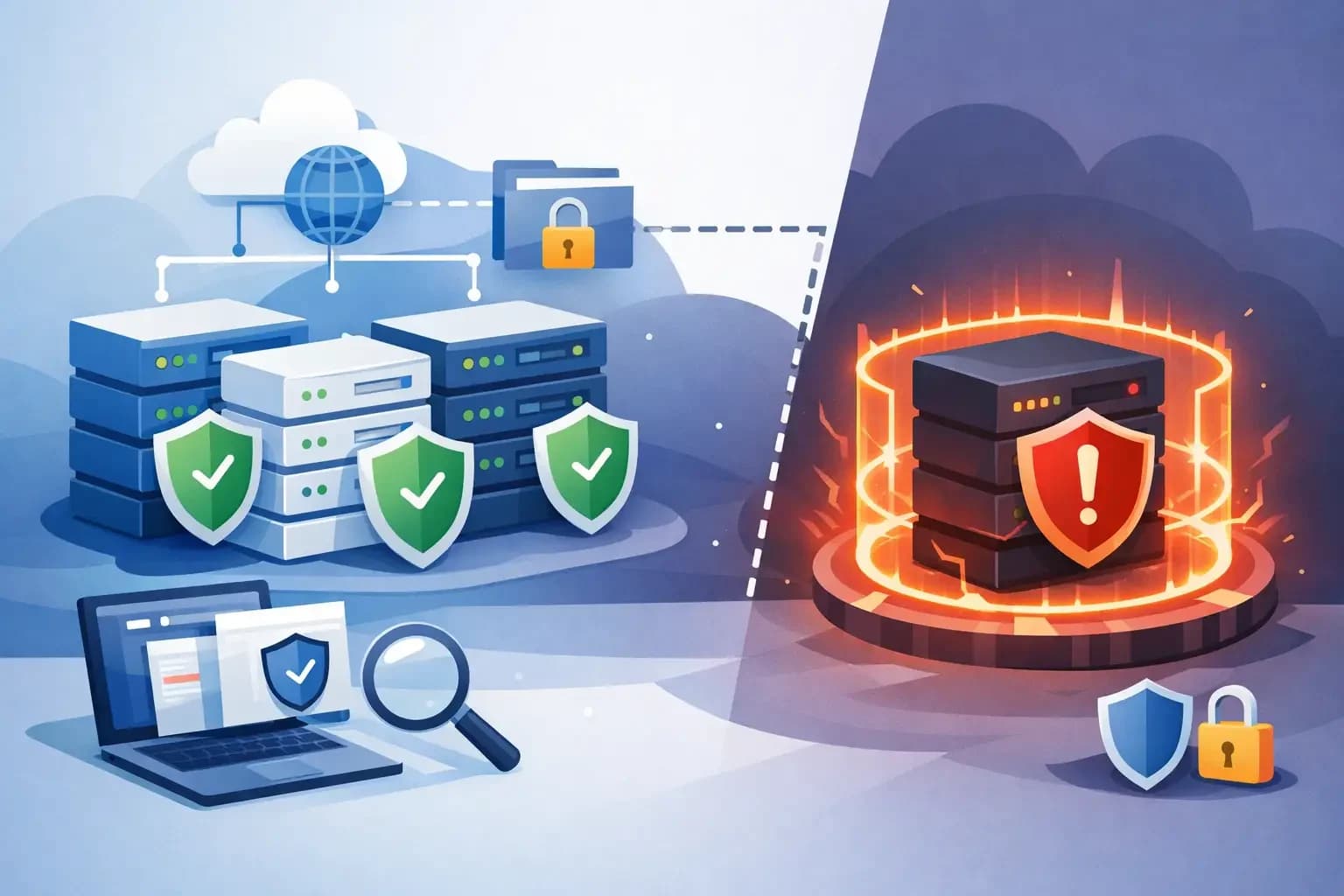
Learn how to isolate compromised hosting accounts with scoped containment, evidence preservation, credential resets, and safe, staged recovery workflows.
A single compromised shared-hosting account can become a resource-abuse event, a malware distribution point, or a foothold for further access. The immediate objective is to isolate compromised hosting accounts without turning a contained customer incident into an outage for unrelated tenants, mail services, DNS, or the underlying server.
That requires more than suspending an account and moving on. Hosting teams need to preserve evidence, establish the scope of access, contain active behavior, remove persistence, and recover only after they can explain what changed. Every action should be proportional to the evidence available and recorded well enough for another operator to review.
Isolate Compromised Hosting Accounts Without Broad Outages
Account isolation should be scoped to the affected identity and workload first. In a typical shared or reseller environment, that means separating the customer account from public web service, outbound mail, scheduled execution, and administrative control paths while keeping the host available to other customers.
A full account suspension is appropriate when the account is actively serving malicious content, sending abusive mail, consuming resources, or showing signs of credential misuse. But suspension alone may not stop every path. Review whether the account has active processes, cron jobs, deployment keys, database users, mailboxes, API tokens, FTP or SFTP users, reseller privileges, and external application integrations.
The containment decision depends on impact. If a WordPress site is serving an injected redirect but there is no evidence of server-level access, disabling web service for that virtual host and blocking outbound mail may be enough while the team captures evidence. If credentials appear to be used from unfamiliar locations and the account has shell access or elevated reseller permissions, disable those access paths immediately and review related accounts.
Avoid broad firewall rules or server-wide mail blocks unless the incident justifies them. Those controls can protect the platform, but they can also disrupt unrelated tenants and make later diagnosis harder. Start with the smallest control that reliably stops the observed behavior, then expand containment only when indicators support it.
Stop execution, not evidence collection
Do not delete suspicious files as the first response. Copy relevant files, access logs, mail logs, process details, and recent authentication events to protected incident storage before cleanup. Capture timestamps in a consistent time zone and retain original paths, file ownership, permissions, and hashes where possible.
For web compromises, preserve the affected document root, application configuration files, recent deployment artifacts, web access logs, and error logs. For mail abuse, retain queue identifiers, sender patterns, authenticated user details, source IP addresses, and delivery attempts. For database-driven attacks, record database users, recent privilege changes, suspicious query patterns if available, and the application endpoint that issued them.
This is not a call to retain every byte indefinitely. Collect evidence that supports containment, customer communication, root-cause analysis, and recovery decisions. A controlled snapshot or scoped restore point is usually more useful than an unstructured copy made after several operators have modified the account.
Diagnose the Access Path Before Recovery
Containment reduces immediate risk. Diagnosis determines whether recovery will hold.
Start with a timeline: when did the first suspicious request, file change, mailbox login, or outbound message occur? Compare that point with application updates, credential resets, support activity, migrations, automated deployments, and control-panel changes. A modified PHP file does not by itself prove the initial entry point. It may be the result of a vulnerable plugin, a stolen SFTP password, an exposed backup archive, or a compromised administrator workstation.
Review the account in context with adjacent systems. Check whether the same source address accessed multiple accounts, whether a compromised mailbox received password-reset messages, whether a DNS change redirected traffic, or whether an API key was used outside expected automation windows. The operational record should connect what happened across hosting, mail, DNS, backups, and identity controls rather than treating each system as a separate incident.
Some indicators demand a wider investigation. Reused credentials across accounts, unexpected privileged processes, altered system binaries, new administrator keys, or activity outside the account's normal filesystem boundary can indicate host-level exposure. At that point, per-account cleanup is no longer a sufficient response. Escalate to server containment, preserve the host state, and use a documented rebuild or recovery process appropriate to the environment.
Separate customer responsibility from platform responsibility
A vulnerable application or weak customer password may be the entry point, but the provider still owns the quality of containment and the safety of the recovery path. Give the customer specific facts: the affected service, observed time range, access methods disabled, credentials requiring rotation, and the action needed before reactivation.
Avoid declaring an account "clean" when the evidence only shows that visible malware was removed. State what was observed and what was remediated. If the origin remains unconfirmed, require stronger recovery controls such as a fresh application deployment, credential rotation, plugin review, and monitored reactivation.
Remove Persistence in a Controlled Sequence
Once the account is isolated and the likely access path is understood, remove the attacker’s ability to return. Credential rotation should cover more than the primary control-panel password. Reset or revoke shell credentials, SFTP and FTP users, database passwords, mailbox passwords, application administrator accounts, API keys, deployment tokens, and third-party integration secrets that may have been exposed in configuration files.
Sequence matters. If you rotate credentials before disabling the vulnerable application endpoint, a malicious process may simply capture the new secret. If you restore files before checking cron jobs and writable directories, persistence can reinfect the restored application. If you re-enable outbound mail before reviewing authenticated senders, abuse can resume within minutes.
A disciplined sequence often looks like this: maintain isolation, preserve evidence, disable the confirmed entry path, revoke access, remove unauthorized code and scheduled execution, restore known-good content where needed, apply updates, and validate before reopening services. The exact order can vary, but every step should have an owner and an execution record.
Use restore points carefully. Restoring an entire account is fast, but it can overwrite legitimate customer changes or restore the same vulnerable application state. A scoped restore of the affected web files, a single database, or a known-good configuration file may reduce collateral loss. Conversely, if compromise duration is uncertain, a clean rebuild from trusted application packages and a selective data migration may be safer than restoring a snapshot.
Validate Before Reconnecting Services
Recovery is a staged return to service, not a switch flipped at the end of cleanup. Confirm that the account no longer has unknown scheduled tasks, unexpected SSH keys, altered ownership, writable executable paths, or unrecognized administrative users. Review outbound mail controls and application logs before allowing normal sending volume.
For a web account, test the site using the intended hostname, administrative login, upload behavior, contact forms, and payment or API integrations if applicable. Confirm TLS coverage and verify that the application is not exposing debug output, backups, environment files, or installation scripts. For a mail-related incident, validate authentication settings, forwarding rules, mailbox access, and outbound rate behavior.
DNS deserves separate attention when recovery involves migrations, nameserver changes, or a rebuilt host. Preserve MX, SPF, DKIM, and DMARC records while changing web-related records. A site can recover successfully while customer mail quietly fails because an incomplete zone was published during remediation. DNS-safe changes should be reviewed as part of the recovery plan, not treated as a last administrative task.
Re-enable services in stages when risk warrants it. Restore web traffic first while retaining restricted outbound mail, or allow authenticated mail while maintaining heightened rate limits and monitoring. The right sequence depends on the customer workload and incident evidence, but staged recovery creates an observation window before full exposure returns.
Make Isolation Repeatable Across the Fleet
The hardest part of a compromised account is often not the technical response. It is determining, under pressure, who can suspend service, who can access backups, what records are required, and which actions are reversible. Those decisions should exist before the next incident.
Define role-aware permissions for account suspension, credential resets, DNS changes, backup restores, and server-level controls. Maintain incident playbooks that distinguish account compromise from suspected host compromise. Record the reason for each high-impact action, the operator who approved it, the affected scope, and the rollback or recovery path.
Centralized operational context helps here. A platform such as Synconix can place hosting account controls, DNS records, backups, service signals, and execution history in the same workspace, reducing the need to reconstruct an incident from disconnected tools. The value is not automated cleanup without oversight. It is controlled automation that keeps the operator aware of scope, permissions, and recoverable changes.
After the account is stable, review what made the response slower or riskier than it needed to be. A missing restore point, an unclear mail ownership record, an overprivileged API key, or an undocumented DNS dependency is an operational finding worth fixing. The strongest incident response improvement is usually a small, specific control put in place before the next account needs to be isolated.