How to Configure Service Isolation Policies
Learn how to configure service isolation policies that contain failures, protect customer workloads, and preserve safe recovery paths in production now.
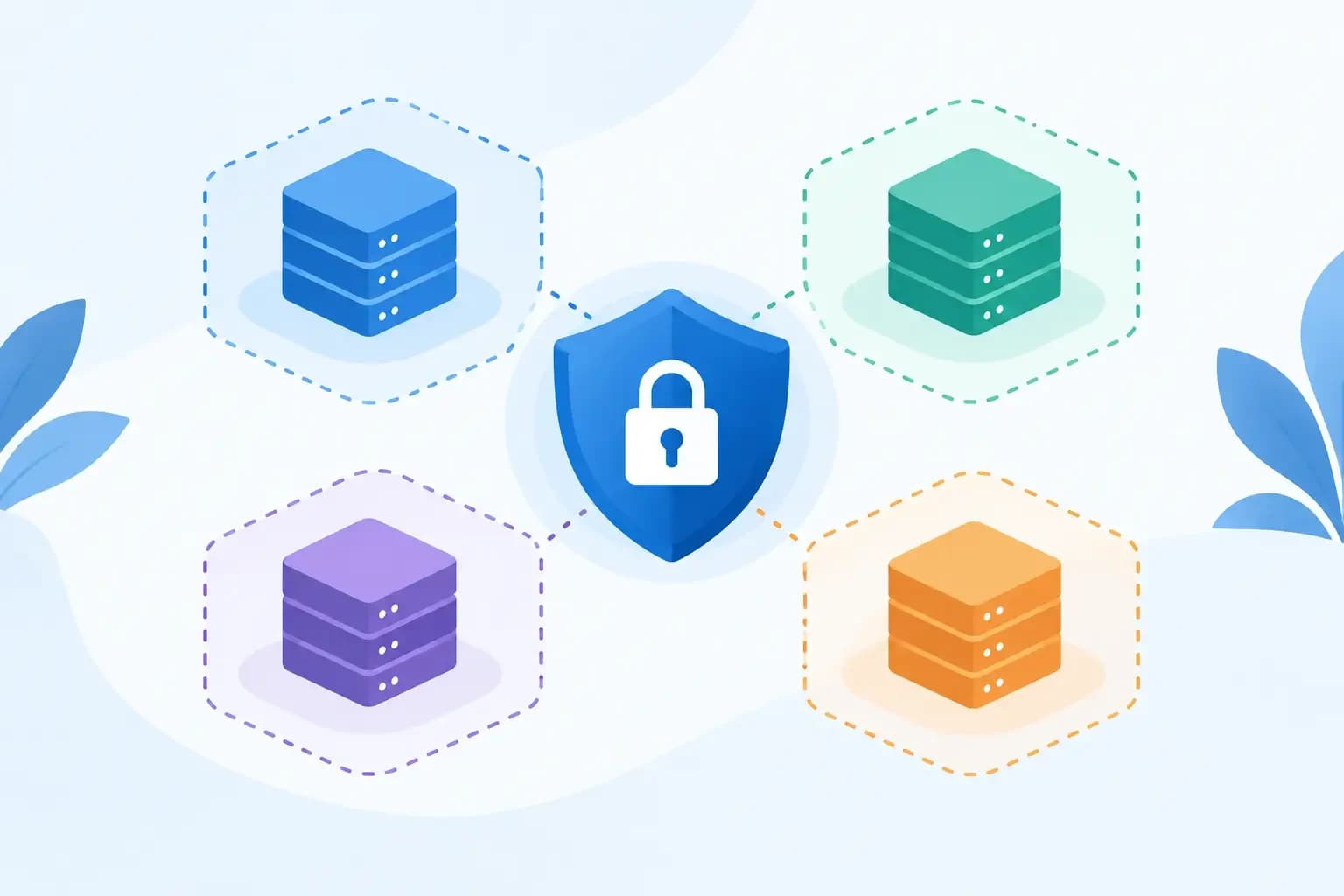
Learn how to configure service isolation policies that contain failures, protect customer workloads, and preserve safe recovery paths in production now.
A noisy PHP worker should not be able to exhaust a shared database, delay outbound mail, and turn a single customer incident into a server-wide support queue. When you configure service isolation policies, the goal is not simply to restrict access. It is to define clear operating boundaries around workloads, identities, network paths, resources, and recovery actions so a fault remains contained and an operator can act with confidence.
For hosting providers and infrastructure teams, isolation is most useful when it reflects the way services actually fail. A customer account may be compromised through a vulnerable plugin. A mail queue may surge after a credential leak. A backup job may consume storage I/O during a restore window. Each event needs a bounded response that protects adjacent services without preventing the team from diagnosing, repairing, or recovering the affected environment.
Start With Failure Boundaries, Not Product Settings
Policy design often goes wrong when teams begin with toggles: disable a port, lower a quota, create a role. Those controls matter, but they should follow a decision about what must be isolated from what.
Map the production dependencies first. A hosted account commonly touches web processes, a database, local storage, scheduled jobs, mail services, DNS records, backups, and privileged support workflows. The objective is to identify which connections are necessary for normal operation and which connections create unnecessary blast radius.
For example, one customer account may need to connect to its assigned database and submit authenticated mail through a designated relay. It does not need unrestricted visibility into neighboring account directories, database instances, backup repositories, administrative APIs, or internal monitoring endpoints. A policy should make that distinction enforceable.
This approach also avoids a common mistake: treating service isolation as a single server feature. Effective boundaries span the control plane and the data plane. They include where a workload can run, what it can reach, which credentials it can use, who can change its configuration, and which recovery operations remain available.
Define the Policy Model Before Enforcement
A practical service isolation policy answers four questions for every protected service or tenant:
- What resources may this workload use, and what limits apply?
- Which systems, ports, APIs, and identities may it communicate with?
- Who can view, change, suspend, restore, or override the boundary?
- What evidence is recorded when a policy is triggered or changed?
These questions produce policies that can be reviewed during an incident rather than guessed at under pressure. They also force useful decisions about exceptions. A support engineer may need temporary access to diagnose a failed site, but that access should be scoped to the affected account, time-bound where possible, and recorded with the reason for the change.
Avoid copying one policy across every workload without classification. Shared hosting accounts, reseller environments, internal management services, authoritative DNS, backup workers, and mail relays have different risk profiles. The right policy for a customer-facing PHP process may be actively harmful for an internal backup service that needs controlled access across multiple storage locations.
Configure Service Isolation Policies by Layer
Separate identities and permissions
Each service should operate under a distinct identity with only the permissions required for its role. Customer workloads should not share administrative credentials. Automation should not inherit unrestricted root-level access because a task is inconvenient to scope.
This applies to API access as much as operating system permissions. Create narrowly scoped API keys for DNS updates, backup status checks, or account provisioning. Rotate keys on a defined schedule and revoke them promptly when an integration is retired. Where elevation is necessary, require an explicit approval path or a role that is limited to the specific operational function.
Role-aware access protects teams as well as systems. A DNS administrator may need authority to publish a zone change but not to restore a server image. A support engineer may need to restore selected account files but not to alter retention settings or access another customer's backup data.
Restrict network paths deliberately
Network isolation should express approved communication, not attempt to block an endless list of threats. Start with default-deny rules between service segments, then allow only documented paths.
A web workload might reach its assigned database endpoint, an approved cache service, and a mail submission endpoint. It should not directly reach database administration interfaces, backup storage, control-plane services, or other customer networks. Administrative access should come through controlled management paths, with source restrictions and strong authentication.
DNS needs special care because a zone change can affect web resolution, mail routing, certificate validation, and third-party service verification. Isolate DNS administration from general customer application access, and limit automated changes to the zones and record types the automation actually requires. Before applying nameserver or zone changes, inspect MX, SPF, DKIM, DMARC, CAA, and verification records so a DNS-safe change does not interrupt mail delivery or certificate coverage.
Apply resource limits that preserve neighbors
Resource controls are isolation controls. CPU, memory, process count, disk usage, inode count, database connections, mail rate, and storage I/O limits prevent one workload from degrading a shared platform.
The correct threshold depends on the service. A fixed CPU ceiling may protect a dense shared node but cause recurring failures for a legitimate high-traffic customer. A rate limit on outbound mail may contain abuse but interfere with a customer sending transactional notifications after a planned launch. Start with observed usage, define alert thresholds below enforcement thresholds, and establish a documented exception workflow.
Do not treat a suspension as the only response. Progressive controls are often safer: throttle a runaway process, pause a scheduled task, block a specific destination, or temporarily restrict outbound mail while preserving inbound delivery and account data. Bounded controls give the team time to diagnose the event without making recovery harder.
Isolate backups and recovery authority
Backups are often overlooked in service isolation design, even though they contain some of the most sensitive data in the environment. A compromised hosting account should not be able to delete, encrypt, or browse its recovery copies. Backup systems need separate credentials, access paths, retention rules, and audit records.
Recovery should be scoped as well. Restoring an entire account or server may be justified after broad corruption, but it is not the default answer to a damaged application file. Policies should support restoration of only the files, database tables, mailbox data, or DNS zone records required for recovery. Confirm the restore point, target, overwrite behavior, and rollback plan before execution.
Test the Policy Against Real Incidents
A policy that looks correct in a configuration review can fail during an actual support case. Test it with scenarios that reflect operational reality.
Simulate a compromised customer credential sending mail through an authenticated relay. Confirm that the rate control limits abuse, the event is visible to the right team, and the account can be remediated without disrupting unrelated customers. Simulate a web process exhausting its memory allocation. Confirm that the process is contained, logs remain available, and a support engineer can inspect the account without broad server access.
Also test changes made by authorized staff. Can a DNS administrator modify a record while preserving mail-related records? Can an on-call engineer execute a scoped restore without permission to alter backup retention? Can a temporary exception expire automatically or be reviewed afterward? These checks reveal whether the policy is operationally usable, not merely restrictive.
Make Exceptions Controlled and Recoverable
Production systems always produce exceptions. A migration may need temporary connectivity. A customer may require a higher mail rate for an approved event. A support case may require broader diagnostic access for a short period. The answer is not to weaken the baseline permanently.
Record the owner, reason, scope, approval, start time, and expiration for each exception. Make the change reversible, and verify that the original policy is restored. If the same exception recurs, treat it as design input: either the standard policy is too narrow for a legitimate workload class, or the dependency should be redesigned.
An operational workspace such as Synconix is most useful when it keeps these actions connected: the affected account, service signals, DNS context, backup restore points, permissions, execution record, and recovery path. That context reduces the chance that a narrowly intended change becomes an uncontrolled one.
Service isolation is not a promise that failures will never occur. It is a disciplined way to ensure that when they do, the failure has a boundary, the responder has the right context, and the next action remains recoverable.