DNS Rollback Workflow for Production Changes
Build a DNS rollback workflow that preserves mail, captures zone state, limits blast radius, and restores authoritative records with accountable safe control.
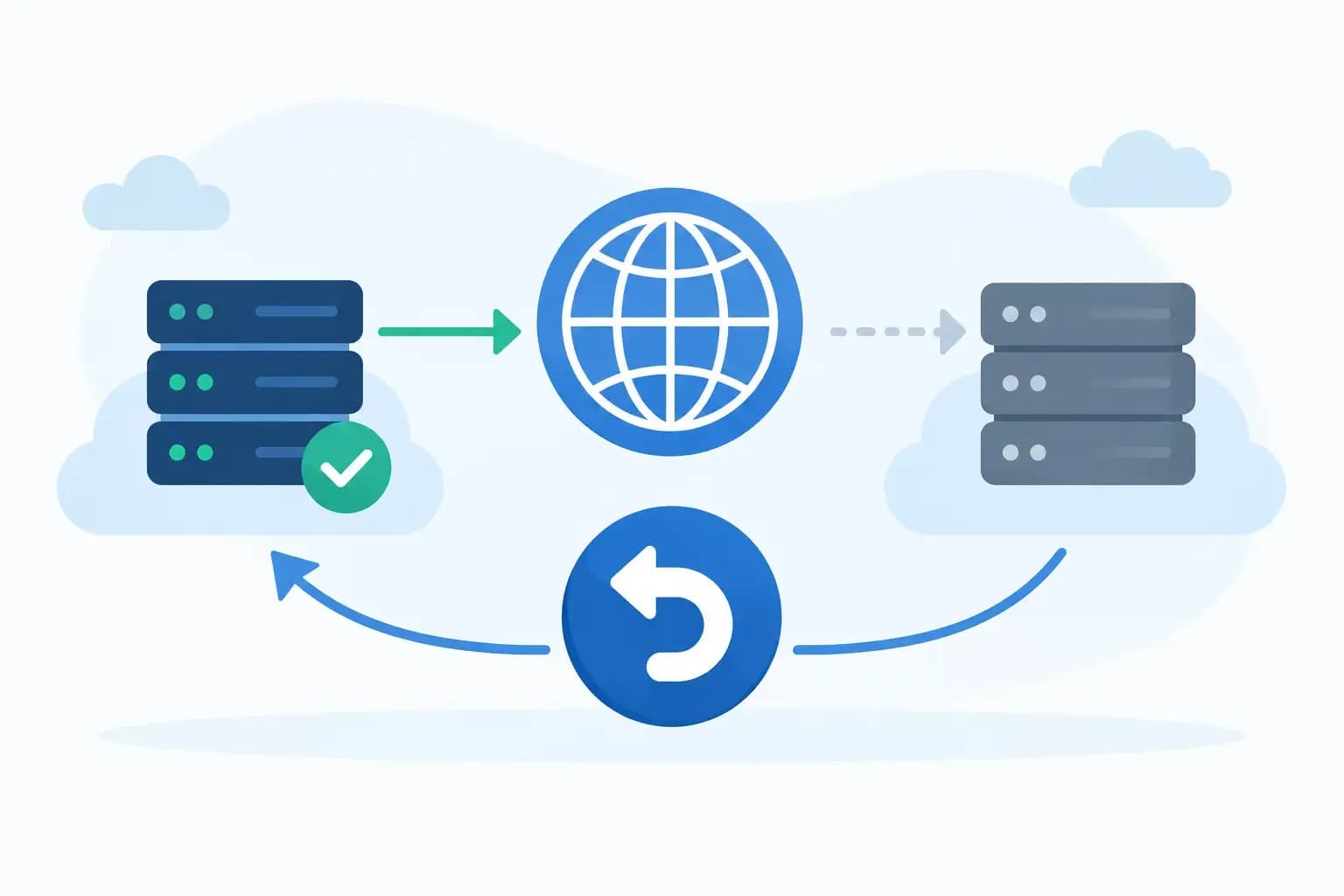
Build a DNS rollback workflow that preserves mail, captures zone state, limits blast radius, and restores authoritative records with accountable safe control.
A DNS change can look correct in a zone editor and still disrupt a customer’s mail, verification flow, SaaS integration, or failover path. The difference is often not the record being changed. It is whether the team had a DNS rollback workflow that captured the prior state, limited the scope of the action, and made recovery executable under pressure.
For hosting providers and infrastructure teams, rollback is not simply copying an old record back into a zone. It is a controlled recovery procedure that accounts for authoritative source of truth, record dependencies, propagation behavior, registrar settings, and the audit trail needed to explain what happened. A good workflow turns DNS changes into recoverable changes rather than irreversible edits.
Define what rollback means before making the change
A rollback must restore the intended previous service state, not just recreate a record value from memory. That distinction matters when a change affects a complete zone, delegated subdomain, nameserver set, or traffic-management policy.
For a single A or CNAME record, the recovery target may be obvious. For a nameserver migration, rollback may involve returning delegation at the registrar, confirming that the former authoritative provider still serves the expected zone, and preserving records that were added during the migration window. For a mail-related change, the target state must include MX, SPF, DKIM, DMARC, autodiscover, and any provider-specific verification records that support delivery and mailbox access.
Start every change by documenting the recovery objective in operational terms. For example: restore the previous authoritative zone serial and record set, return web traffic to the prior origin, or re-establish the prior MX routing without removing newly issued DKIM selectors. This gives the operator a decision standard when conditions are changing quickly.
Capture a scoped restore point
A DNS rollback workflow begins before the first edit. Capture the current zone from the authoritative source, including record values, TTLs, priorities, comments where supported, and metadata that identifies the active provider or view. A screenshot is useful context, but it is not a restore point. Exportable zone data or a versioned configuration record is.
The restore point should be scoped to the planned action. If the work concerns a customer domain, capture that zone and its related delegation details. If the change affects a shared reverse zone, include the relevant PTR records and the approval context for the broader impact. Avoid treating a full platform backup as the only DNS recovery mechanism. It may be too old, too broad, or unavailable to the team resolving the incident.
Record the following in the change ticket or execution log:
- The authoritative DNS provider and the account or tenant that owns the zone
- A timestamped export or version identifier for the pre-change zone
- Current registrar nameservers and delegation status when they are in scope
- The expected record values after the change and the services they affect
- The operator, approver, maintenance window, and explicit rollback trigger
These details are not administrative overhead. They prevent a common failure mode: an engineer knows the zone needs to be restored but cannot establish which copy was authoritative at the time of the change.
Preserve records outside the immediate request
Customer tickets often request a narrow action such as pointing a website to a new host. The operational risk sits in records nobody mentioned. Removing a zone and rebuilding only the website records can silently remove ACME validation entries, mail routing, identity verification tokens, VPN endpoints, or delegated service labels.
Compare the requested record change against the full active zone. Flag MX, TXT, SRV, CAA, NS, and delegation records for review even when the request concerns an A record. The right result may be a surgical update, not a zone replacement. If a complete zone import is necessary, validate the diff before applying it and retain a path to restore the prior version without overwriting intentional concurrent changes.
Set rollback triggers that are observable
A rollback decision should not depend on vague language such as “if there is an issue.” Define observable triggers before execution. The trigger might be a failed authoritative query from multiple resolvers, loss of expected MX answers, a health check that cannot reach the new target, or a customer-facing application error after the planned cutover.
The threshold depends on the service. A low-risk staging hostname may permit a longer observation period. A primary customer domain handling mail and ecommerce should have shorter decision windows and stricter approval requirements. DNS TTLs also change the trade-off. Lowering TTL ahead of a planned migration can reduce the duration of cached bad data, but it does not erase resolver behavior already in the field. It also creates more query traffic and should not be treated as an instant rollback switch.
Assign a single person to make the execute-or-rollback decision during the window. Multiple operators can diagnose, but unclear authority delays recovery. That person should have access to the restore point, the approved change plan, and the permissions required to restore the affected records.
Execute changes in small, verifiable steps
The safest DNS changes are staged when the architecture permits it. Add the new target before removing the old one. Validate a new mail provider’s records while the existing route remains intact. Test a delegated subdomain before moving the parent delegation. Where weighted or failover routing is available, shift traffic in controlled increments rather than replacing all answers at once.
Not every change can be staged. A registrar-level nameserver correction, for example, may require a direct cutover. In those cases, reduce uncertainty elsewhere: confirm the destination zone is complete, query each listed nameserver directly, verify DNSSEC expectations, and keep the old authoritative service active until delegation has stabilized.
During execution, capture an audit record of each action. The record should show what changed, who made the change, when it occurred, and the before-and-after values. This is especially valuable when an AI-assisted operations tool or automation runs the action. Automation should be bounded to the approved zone and record set, explain the intended effect, and retain execution context. It should not infer permission to modify adjacent customer domains because their configurations look similar.
Validate authoritative answers before waiting on propagation
“DNS propagation” is often used to describe every DNS problem after a change. It can hide the real question: are the authoritative servers returning the correct data now?
First, query the authoritative nameservers directly for the changed record and related dependencies. Then check public recursive resolvers and, where relevant, resolver paths used by your monitoring network or customer base. Compare returned values, TTLs, response codes, and delegation chain behavior. For mail changes, validate MX and TXT records together. For web changes, confirm the hostname resolves to the expected origin and that the origin is ready to serve the correct virtual host and certificate.
This sequence separates an authoritative configuration problem from normal cache expiry. If the authoritative answer is wrong, rollback immediately according to the defined trigger. If the authoritative answer is correct but public resolvers still show the old value, preserve evidence, monitor the expected TTL window, and avoid making compensating changes that create a second conflicting state.
Restore carefully when rollback is required
When a trigger is met, restore the scoped pre-change state first. Do not improvise a broader recovery because the incident feels urgent. Reapply the approved restore point, verify the authoritative response, and log the rollback action with the same detail as the original change.
There is one important exception: account for legitimate changes made after the restore point was captured. If another approved process added a required DKIM selector or validation token during the same window, a blind full-zone restore could remove it. Compare the current zone to the restore point, identify concurrent changes, and preserve them when they are independent of the failed action. This is why record-level version history is more useful than an undifferentiated zone snapshot alone.
After restoration, verify the service behavior that triggered rollback, not merely the DNS response. A correct A record does not prove an application is healthy. A restored MX record does not prove receiving mail has resumed. Check the operational signal that matters: successful transaction flow, mailbox delivery, endpoint health, or customer-specific service checks.
Make every rollback improve the next change
A rollback is a recovery event, but it is also evidence about a workflow gap. Review whether the failure came from incomplete discovery, an incorrect source of truth, a missing dependency, an unsuitable TTL plan, insufficient permissions, or an unclear trigger. Keep the review factual. The goal is to update the runbook and controls, not to assign blame after a high-pressure response.
Teams using a connected operational workspace can keep zone history, approvals, scoped restore points, support context, and execution logs together. In Synconix, that operational context helps make DNS actions accountable across the people handling customer requests, infrastructure changes, and recovery work.
The practical test is simple: if an operator receives an urgent alert five minutes after a DNS cutover, can they identify the last known-good state, restore only what needs restoration, and prove the result? Build the workflow until the answer is yes.