What Causes SSL Failures on Production Servers?
Learn what causes SSL failures across hosting, DNS, and certificate workflows, then diagnose validation, chain, renewal, and deployment issues safely.
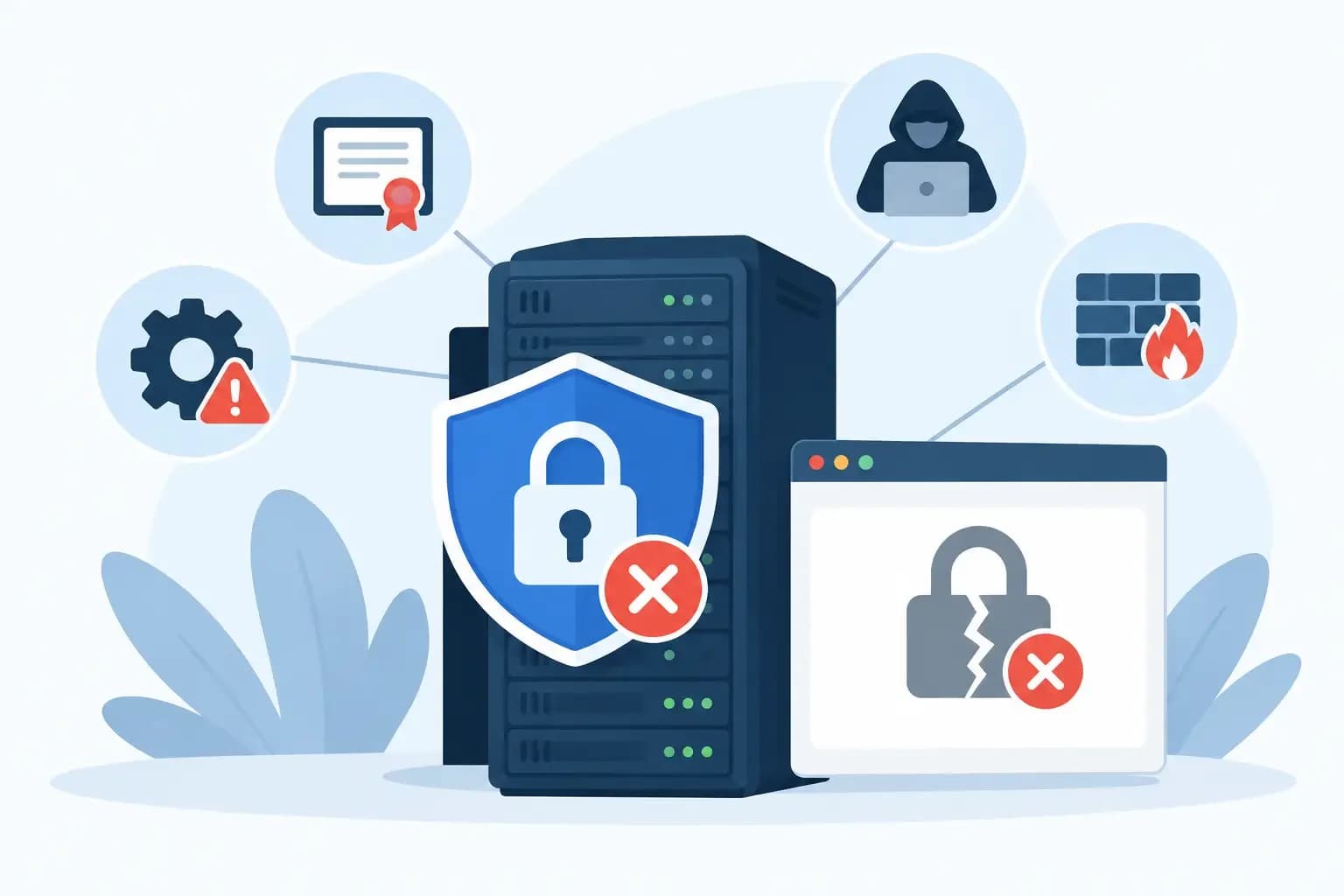
Learn what causes SSL failures across hosting, DNS, and certificate workflows, then diagnose validation, chain, renewal, and deployment issues safely.
A certificate can be valid, unexpired, and correctly purchased while the site still presents a browser warning. That is why the question of what causes SSL failures cannot be answered by looking at the certificate alone. In production hosting environments, SSL depends on a chain of systems: authoritative DNS, domain validation, certificate issuance, web server configuration, deployment paths, network routing, and client compatibility.
The operational risk is not only an unavailable website. A rushed DNS change can interrupt mail delivery. Replacing a certificate on one node but not another can create intermittent failures that are difficult for support teams to reproduce. The right response is to identify where the TLS transaction breaks, make a scoped change, and retain a recovery path.
What causes SSL failures across the certificate lifecycle?
SSL failures generally occur in one of four stages: validating control of a domain, issuing or renewing a certificate, deploying the certificate, or serving it consistently to clients. The browser message may look similar in each case, but the underlying fault and safe remediation are different.
Domain control validation cannot complete
Before a certificate authority issues or renews a certificate, it must validate control of the requested hostname. For automated certificates, this commonly happens through an HTTP challenge or a DNS TXT record.
HTTP validation fails when the validation request cannot reach the expected location. A reverse proxy may send the request to the wrong backend, a redirect rule may interfere with the challenge path, a firewall may block inbound traffic, or the domain may resolve to an old server. In shared hosting environments, an account-level rewrite rule or a web application deployment can also remove the validation file before the certificate authority retrieves it.
DNS validation fails when the required TXT record is missing, malformed, published in the wrong zone, or not visible from the authoritative nameservers. A common operational mistake is updating a DNS zone in a local control panel while the domain is delegated to external nameservers. The record appears correct in one interface, but public resolvers never see it.
CAA records can also prevent issuance. A CAA policy tells certificate authorities which issuers may create certificates for a domain. That control is useful, but an outdated or overly narrow CAA record can block a legitimate renewal after a provider change. Check the effective CAA response at the authoritative DNS level before removing or broadening a policy.
DNS changes point validation or traffic elsewhere
DNS is often involved even when the immediate error appears to be a web server problem. An A or AAAA record may point to a retired IP address, while only the current server has the renewed certificate. A wildcard record may route an unexpected hostname to a default virtual host. Split-horizon DNS can cause internal users to reach a different endpoint than public users.
Nameserver changes deserve additional care. Moving a zone without recreating validation records, CAA policy, or the relevant A and AAAA records can stop renewals and redirect visitors to infrastructure that does not have the expected certificate. If the zone also carries mail, preserve MX, SPF, DKIM, DMARC, and autodiscover records as part of the same controlled change. SSL remediation should not create a mail outage.
Propagation is a contributing factor, but it is often used too broadly as an explanation. Confirm the records returned by the authoritative nameservers first. Then compare public resolver responses and TTL behavior. If authoritative answers are wrong, waiting will not fix the problem.
The wrong certificate is installed
A server may have a valid certificate installed for a different hostname. This is the classic hostname mismatch: a visitor requests `app.example.com`, but the server presents a certificate for `www.example.com`. A wildcard certificate covers one label, such as `*.example.com`, but it does not cover the apex domain `example.com` or a deeper name such as `api.eu.example.com`.
Server Name Indication, or SNI, determines which certificate a shared IP address presents. If the virtual host lacks the requested server name, has an incorrect binding, or loads before the intended site configuration, the server can return a default certificate. This is especially common after account migrations, web server template changes, or a partial restore of virtual host configuration.
The private key must also match the certificate. A mismatched key prevents the web server from loading the certificate correctly, or causes it to retain an older configuration. Do not replace files blindly. Identify the certificate serial number, subject alternative names, key fingerprint, virtual host binding, and process configuration that is actually active.
The intermediate chain is incomplete or stale
Browsers need a trust path from the site certificate to a trusted root certificate. The server normally supplies the leaf certificate and required intermediate certificates. If the intermediate chain is missing, ordered incorrectly, or stale, some clients will reject the connection even though others appear to work.
This difference matters during diagnosis. Modern desktop browsers may retrieve a missing intermediate from cache or another source, while mobile devices, API clients, monitoring agents, and older operating systems fail immediately. Testing from one administrator workstation is not sufficient evidence that the deployment is correct.
Certificate authorities occasionally update intermediate chains or rotate issuance infrastructure. When that happens, a deployment process that reuses an old bundle can create a failure at renewal time. Treat the full chain as a versioned deployment artifact, not as a file copied forward indefinitely.
Renewal succeeds but deployment does not
Many SSL incidents are renewal-and-deployment incidents, not issuance incidents. The certificate authority successfully creates the new certificate, but the new material never reaches the endpoint serving traffic.
This can happen when a renewal job runs under a different service account than the web server, permissions prevent the process from reading the new key, or a required reload does not occur. A configuration syntax error may cause the reload to fail while the old process remains active. In that case, administrative tooling can show a new certificate on disk while clients continue to receive the old one.
Clusters add another failure mode. One load-balanced node receives the updated certificate while another keeps the expired version. Visitors see an intermittent warning depending on the node selected. The same pattern appears with CDN origins, reverse proxies, containerized workloads, and separate IPv4 and IPv6 endpoints. Inventory every TLS termination point before declaring a renewal complete.
A controlled diagnostic path for SSL failures
Start with the exact hostname, port, client error, and time of the failed request. Avoid diagnosing from a broad statement such as “SSL is down.” A failure on port 443 for the apex domain may have a different cause than a failure on port 8443 for an API hostname.
First, inspect the certificate that the client actually receives. Record its subject alternative names, issuer, serial number, validity dates, and chain. Compare that result with the intended certificate and the endpoint expected to answer for the hostname. This separates presentation failures from issuance failures quickly.
Next, verify name resolution from the relevant client perspective. Check A, AAAA, CNAME, CAA, and challenge TXT records as applicable, then confirm the authoritative zone and active delegation. If an HTTP challenge is involved, test the challenge path through the same public route used by the certificate authority, including proxy and redirect behavior.
Then inspect the serving configuration. Confirm the SNI mapping, certificate and key paths, file permissions, intermediate chain, listener configuration, and reload status. For a distributed service, repeat the check against each node or termination layer. A load balancer health check may pass while the TLS configuration on a backend is inconsistent.
Finally, make the smallest recoverable change that addresses the verified cause. For example, restore the correct chain bundle, update a single incorrect DNS record, or redeploy the certificate to the node that is still stale. Capture the prior state and record who approved and executed the action. In a platform such as Synconix, the useful value is not simply automating a renewal - it is keeping DNS context, scoped changes, execution records, and recovery options visible to the operator.
Failures that look like certificate problems but are not
Not every HTTPS error originates in the certificate. Incorrect system time on a client can make a valid certificate appear expired or not yet valid. An outbound TLS inspection proxy can substitute its own certificate, causing trust errors only for users behind that network. Application clients may reject a server because of an unsupported TLS version, cipher suite, or signature algorithm rather than a certificate issue.
Revocation checks can introduce another variable. Some enterprise clients enforce revocation behavior more strictly than browsers, particularly when OCSP or CRL endpoints are unreachable. If the problem affects a specific customer network or application runtime, collect the client version, trust store, network path, and exact handshake error before changing the server configuration.
The durable practice is to treat SSL as an operational dependency, not a checkbox attached to a domain. Track certificate expiry, renewal eligibility, DNS delegation, CAA policy, deployment targets, and post-deployment verification together. When those records are connected, the next certificate warning becomes a contained diagnostic task instead of a production guessing exercise.