Build the server stack from one root services plan
Use SHM Root Services to plan and install web, PHP, Node.js, database, mail, DNS, container and access services with verified runtime status.
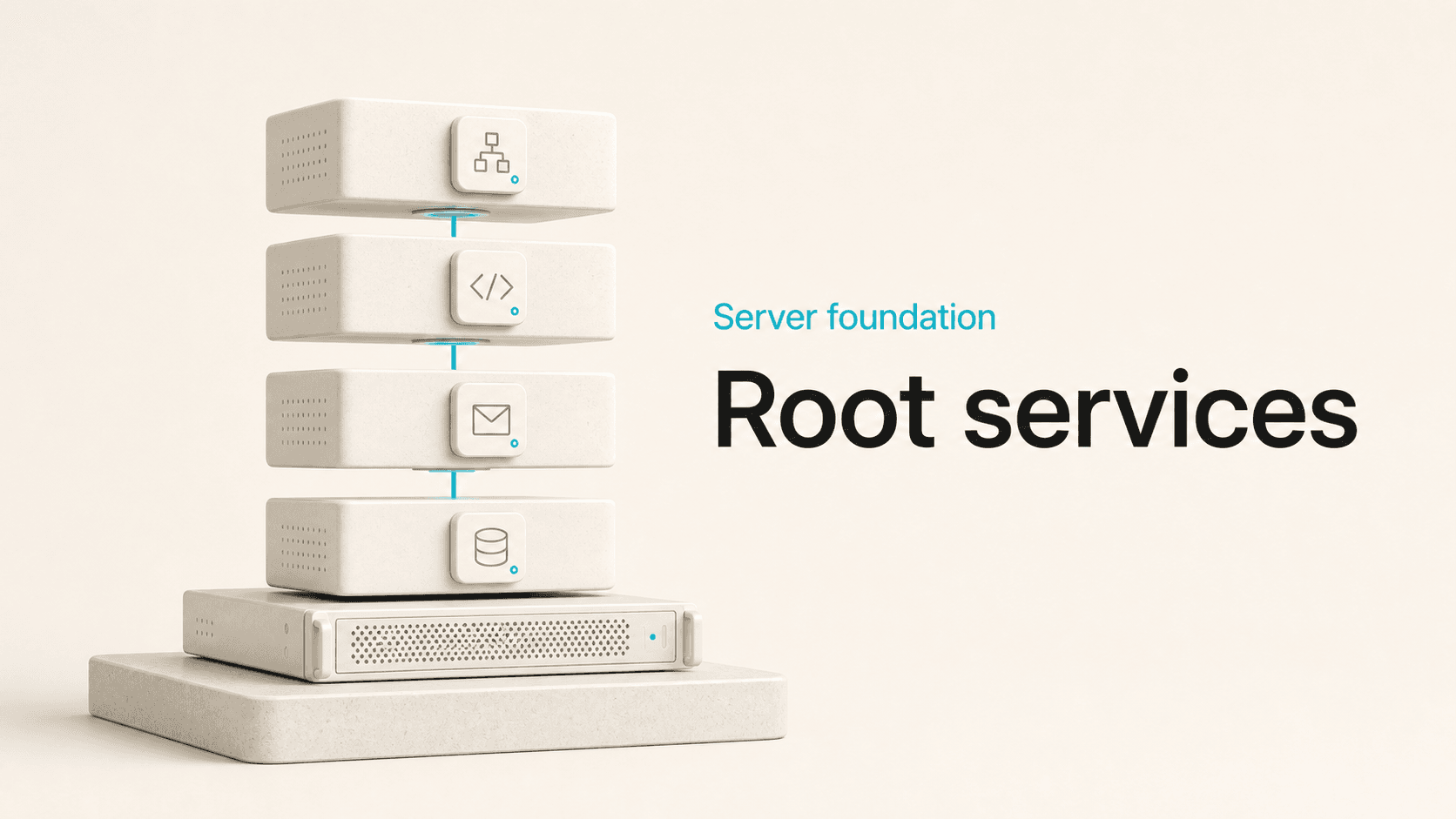
Select, install and operate the server services SHM manages, with version guardrails, asynchronous progress and observed status after the plan is applied.
Build from a declared plan
Root Services defines the managed software stack SHM should prepare on the server. A plan can include:
- the active web stack, SHM PHP versions and modules;
- released Node.js versions, package tools and Podman;
- databases, administration tools and file transfer services;
- DNS, Exim, Dovecot and related webmail services.
Defaults come from the shipped services metadata, so a fresh installation and a later repair begin from the same declaration. A custom plan remains available for a server with a narrower role.
Choose optional services deliberately
phpMyAdmin, pgAdmin, Roundcube, Mailman, FTP, and other components are selected services, not assumptions hidden inside an account feature. The Services page makes that dependency visible. An account page can then report that a tool is unavailable instead of failing because an installer was never part of the server plan.
This also makes smaller deployments practical. A server does not need every supported service simply because SHM knows how to manage it.
Protect data-bearing version changes
Database changes receive stricter treatment than an ordinary package update. MariaDB downgrade requests are blocked, PostgreSQL major-version changes follow guarded paths, and only the intended active major is selected. PHP and Node.js versions are tied to the releases and compatibility exposed by the current SHM build.
Version choices are part of a managed runtime contract that must also work for accounts, web configuration, JailShell, and updates.
Track long-running work
A full server stack takes longer than a normal web request. SHM runs service installation and repair as tracked work, shows the current stage, and returns the actual result. If a package or configuration step fails, the job reports that failure instead of treating the saved plan as a completed installation.
This distinction is essential in automation too. After applying the Services plan, SHM checks observed service status before reporting that the stack is active.
Verify the resulting state
The Services page answers what should be installed. Services Status answers what is running now. Status includes service state and available operational context such as resource use and uptime, with start, stop, restart, reload, and refresh actions where supported.
A service selected in configuration but unavailable on the host is shown as a mismatch rather than counted as installed. This keeps declared state and observed state distinct.
Keep installation, updates and repair aligned
New service files, packages, permissions, and defaults must be represented in the fresh installer and post-update lifecycle, not only on the development machine where a feature was built. Root Services uses the same managed definitions so existing deployments can repair missing components and new deployments can start complete. The page gives server administrators one control point for the managed stack while preserving the observed state underneath. Select the intended services, apply the plan, follow the operation, and confirm the resulting status.