File manager without the risky shortcuts
Manage account files safely with SHM File Manager: editor, upload, copy, move, permissions, ZIP, secure extraction, trash and streamed downloads.
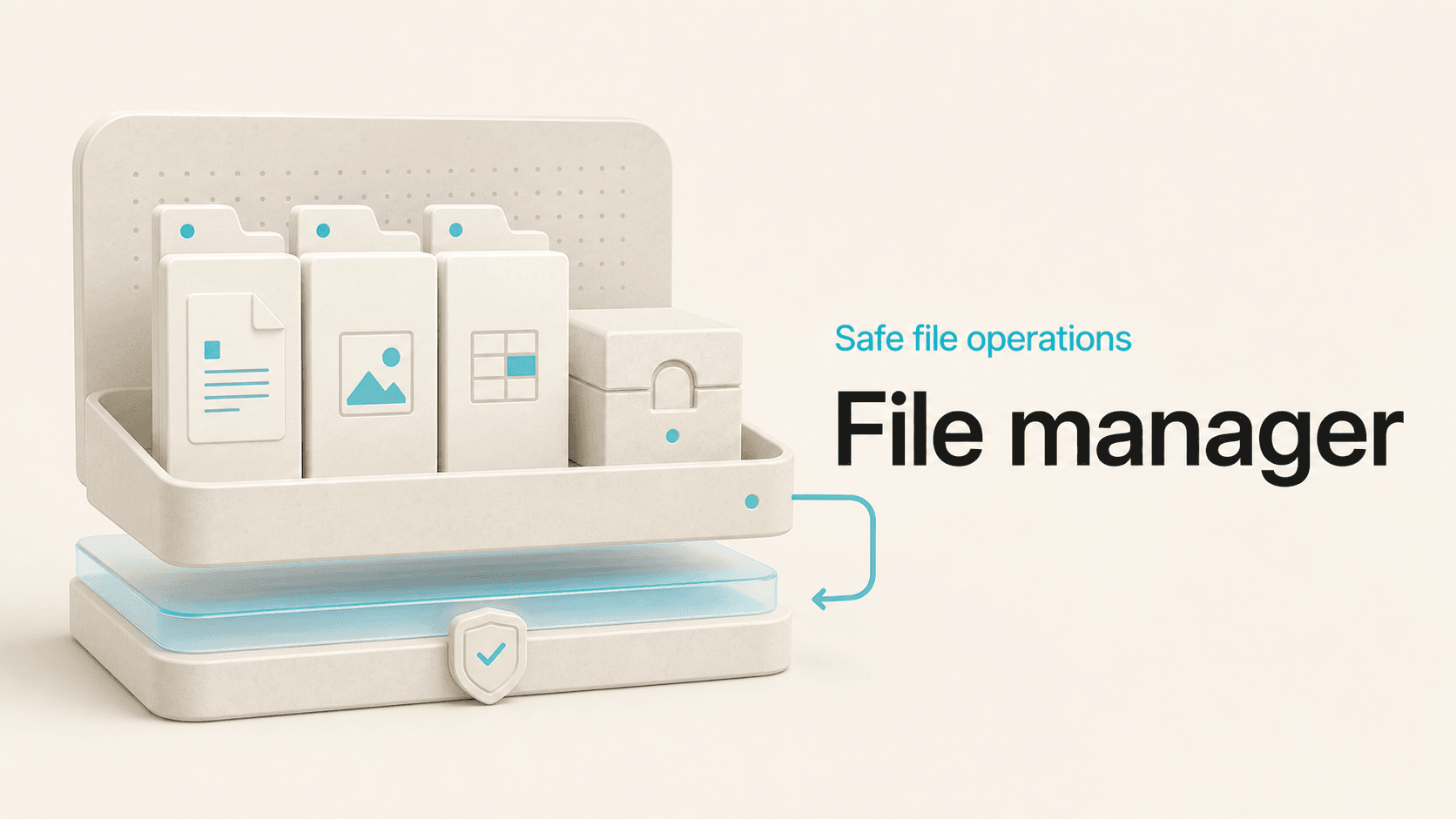
Edit, upload, move, archive, restore and stream account files from a browser while keeping paths and destructive actions inside the account boundary.
Five decisions behind a safer file manager
The boundary comes first
File Manager covers the work people actually open a file manager to do: browse folders, upload content, create files and directories, rename items, change permissions, copy or move data, and edit text files. It does this inside the account home rather than treating the filesystem as one enormous dropdown.
That boundary is enforced by the backend, not merely hidden in the interface. Paths are normalized and checked before operations run. A crafted request should not turn an account tool into a tour of the server, and a symbolic link should not become a convenient tunnel into somebody else's files.
Small edits, close to the file
The built-in text editor is designed for configuration changes, templates, source files, and other bounded text edits. Search and fullscreen controls help with larger files, while saves remain tied to the file selected inside the account. For substantial development work, a repository and local development workflow are still the better tools. File Manager is the practical option for inspection and bounded edits when opening a full workstation would be unnecessary.
Archives need the same rules
SHM can create ZIP archives and extract supported ZIP content in place. Extraction checks archive entries before writing them so parent-directory traversal, unsafe absolute paths, and link tricks do not quietly escape the chosen destination. This is especially important for archives received from external or unverified sources.
Copy and move operations follow the same account-scoped path rules. Existing destinations and invalid relationships are handled as errors instead of silently replacing unrelated content.
A recoverable delete
Routine deletion uses a trash workflow, giving users a recovery step before permanent removal. The trash can then be emptied explicitly. This does not replace backups, but it prevents an ordinary deletion from immediately requiring a full restoration.
Permissions are also exposed as a deliberate action. SHM applies the requested mode to the owned path; it does not broaden permissions indiscriminately to work around an application error.
Stream the large files
Large downloads are streamed from the validated account file rather than loaded into PHP memory as one giant value. That keeps a multi-gigabyte archive from consuming server RAM simply because somebody clicked Download. The same security checks that establish the account-owned path remain in force during the stream. Together, these controls make File Manager useful beyond a directory listing. It handles the common lifecycle, keeps risky operations explicit, and protects the server boundary for every filename, archive, and request.